MINDSET · WORK & LIFE
Visualizing Your Ideal Work-From-Home Life
By Streamline Income · 4 November 2026 · 9 min read
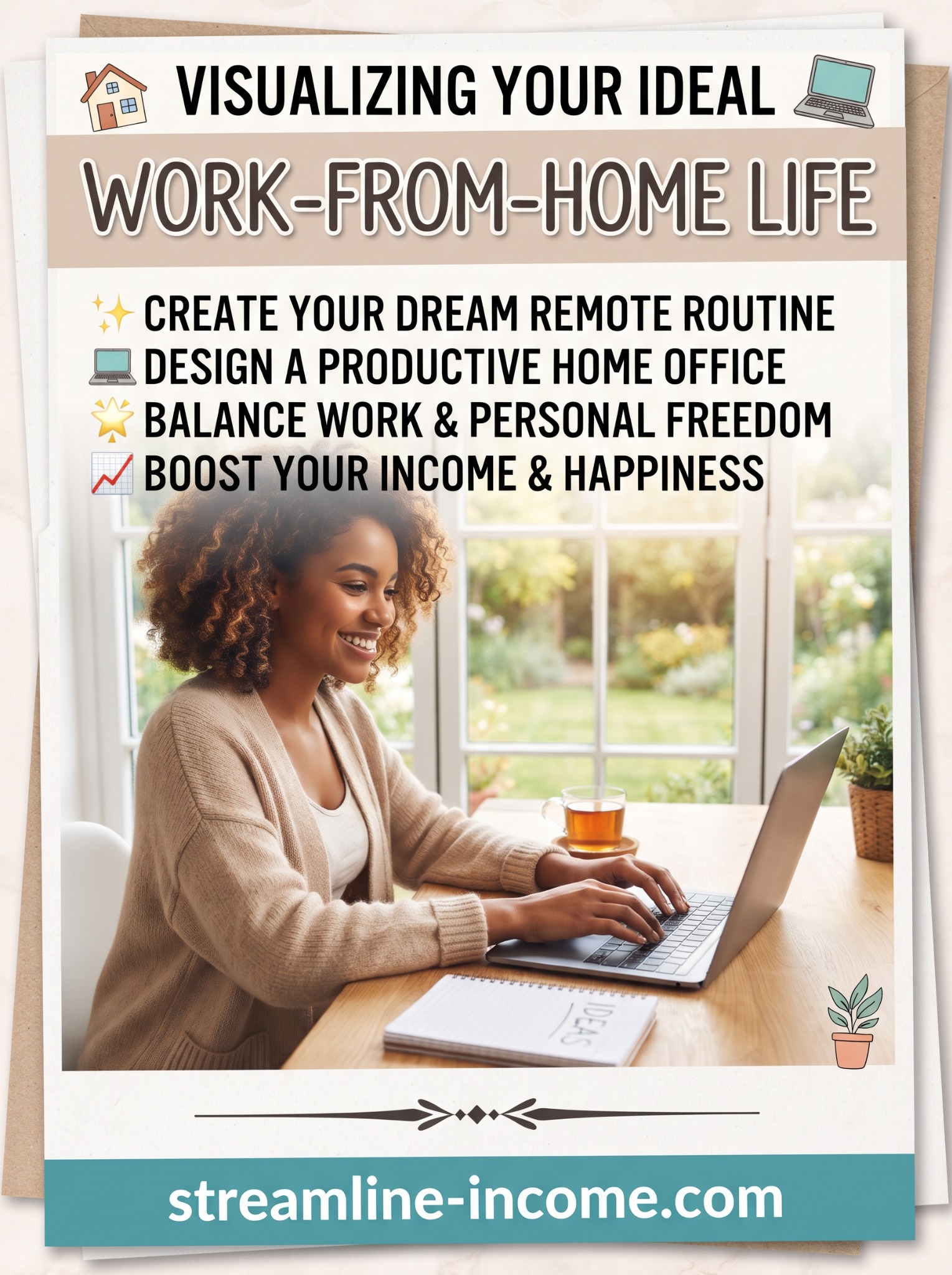
Picture an ordinary working day at home. You know what you are doing first. Your workspace is ready. You have time to concentrate, take a proper break and close the laptop when the work is finished.
That picture may be more useful than imagining a huge house, a perfect desk or an income that arrives while you do nothing. Your ideal working life starts with the details of a day you would actually enjoy living.
Our Pinterest pin brings together four appealing ideas: a good remote routine, a productive home office, personal freedom and a better relationship with work and money. Let’s turn those ideas into a plan you can try. Imagining a future can help you describe it; the next step is checking what it would take to make it work.
🏡 Start with a good ordinary day
Take a sheet of paper and describe a working day six months from now. Keep it realistic. You still have meals to make, responsibilities to meet and the occasional unexpected interruption.
Write about the parts you can influence:
- Where will you work, and what will you need within reach?
- Which hours are genuinely available?
- What sort of work would you like to complete?
- When will you stop for food, movement and other people?
- What will tell you that the day’s work is finished?
You might write: “I work on my small website for an hour after breakfast, deal with messages at lunchtime and keep the evening free.” Someone else might prefer two short sessions around shifts or caring responsibilities.
Neither version needs to look impressive on social media. The aim is a routine that fits your circumstances. If you are unsure what you want the work to make possible, start with finding your why before starting an online business.
Give the picture a practical purpose
Visualising simply means forming a picture in your mind. Here, use it as a planning exercise. When you imagine a calm morning, ask what would help create it: perhaps choosing the first task the night before or keeping a clear place to work.
Include the awkward parts too. What happens when the internet drops, a customer has a question or a family member needs the table? A plan becomes more useful when it has room for real life.
“If my usual work spot is unavailable, I will use that session to outline tomorrow’s article in a notebook.”
This is a simple backup plan. It gives you a choice when the day changes. It also stops a small disruption from becoming a reason to abandon the whole week.
Build a routine around the time you have
Begin with your existing commitments, including rest. Then choose a small number of work sessions you can realistically keep. Avoid filling every empty space on the calendar.
Give each session one main job. “Draft the introduction and first section” is easier to act on than “work on the business”. Keep messages and minor admin together where possible so they do not interrupt every larger task.
| Time | Activity | What it achieves |
|---|---|---|
| First 10 minutes | Choose one task and open only the materials needed. | A clear starting point. |
| Next 40 minutes | Work on the main task. | Progress on one useful piece of work. |
| Next 10 minutes | Step away from the screen. | A change of activity and position. |
| Next 40 minutes | Continue, check or finish the task. | A draft, correction or completed item. |
| Final 20 minutes | Handle essential admin, save your work and note the next step. | A tidy finish and an easier restart. |
This is an example, not a timetable you must follow. The Health and Safety Executive recommends short, frequent breaks from screen work, with opportunities to move or change posture. Adapt your breaks to your work and needs.
If you only have half an hour, choose a smaller task. Our guide to finishing one small task each day can help you make that time useful.
💻 Make your workspace serve the work
The pin shows a bright desk, a notebook and a warm drink. It feels welcoming because the space looks simple and ready to use. You can borrow that idea without buying an entire home office.
Begin with a stable work surface, enough room for your equipment and lighting that lets you see comfortably. Check for reflections on the screen and move the light or screen if needed. Keep everyday items close enough that you are not constantly searching for them.
A laptop can be convenient, but a regular working setup deserves attention beyond how it looks. The HSE workstation checklist covers the screen, keyboard, chair, work surface and surroundings. Use it to identify changes that matter to your setup.
If you share a dining table, keep your notebook, charger and small accessories in a box that is easy to put away. Being able to clear the table is part of making the space work for everyone.
Choose equipment to solve a specific problem. Our Recommended Products page includes computer, storage and chair options to explore. Check suitability, current details and your budget before buying. A new purchase is not a requirement for beginning a small project.
Protect the freedom you are trying to create
Working from home can remove a journey to work, but it can also make work feel permanently nearby. Decide when people can expect a reply and when you will be unavailable.
If you are employed remotely, fit your routine around the hours and expectations agreed with your employer. If you work for yourself, set customer expectations clearly and leave enough time to meet the promises you make.
Try a short closing routine: save the files, write tomorrow’s first task, close the work tabs and put away what you can. In a shared room, even moving the laptop into its bag can mark the end of the session.
Make space for contact with other people too. That might be a walk with a friend, a community group or a useful conversation with another business owner. Personal freedom should include a life beyond the screen.
🎄 Plan for winter and Christmas before the diary fills
In the UK, November brings shorter daylight hours and the start of a busy festive period for many households. A summer routine may need adjusting. If your schedule allows, use a daylight break for a short walk or an outdoor errand, and check that your work area has suitable lighting later in the day.
Christmas can also change who is at home, which rooms are available and how much work you can reasonably take on. Plan from your actual diary rather than assuming every week will be normal.
- Mark time off first. Add visits, caring responsibilities and the days you want to keep free.
- Check promises. Decide which orders, revisions or projects you can complete before a break.
- Explain availability. Tell customers when replies may take longer and when normal service resumes.
- Keep support realistic. An automatic digital download may still lead to access questions or other requests.
- Leave a restart note. Write down the first small task for your return.
For example, a creator could prepare an article before the holidays and schedule it only if their publishing tool supports that. They would still need a sensible plan for any customer support. Another person may choose a complete pause. Pick the arrangement you can manage honestly.
Use the same approach for school holidays, summer trips and family events. Seasonal planning should make the workload fit your life.
Keep income goals grounded in actual work
The pin mentions boosting income and happiness. These are understandable hopes, but a pleasant workspace and a positive picture do not guarantee either outcome.
Ask what work could create value for someone else. You might offer a service, build a useful digital resource or publish careful product comparisons. Each route involves different tasks, costs and ways of reaching people.
Choose an early goal you can work towards directly, such as completing a sample, asking relevant people about a problem or testing a clear offer. Track time and expenses alongside results. A sale is encouraging, but revenue is not the same as money left after costs.
Our seven-day side-hustle test offers a starting point for exploring an idea. Treat the results as information, including when they suggest changing direction.
Try your ideal routine for one week
You can test a small part of your plan before making a major change. Choose two or three sessions, one workspace improvement and one clear finishing time.
After each session, note what you completed, what interrupted you and whether the timing suited you. At the end of the week, keep what helped and change one thing that did not.
Perhaps mornings were less practical than you expected. Perhaps you needed more time for admin. That is useful learning. You are designing a routine for yourself, so it should be allowed to improve.
For a repeatable way to organise your next week, explore our weekly content routine.
Frequently asked questions
Do I need a separate room?
No. A suitable shared space can be a starting point. Think about comfort, interruptions, privacy and how you will clear it afterwards. Some types of work will need a more private or dedicated area.
What if I already work full-time?
Start with a small test that fits around your commitments and adequate rest. You do not have to turn every evening into another shift. If the plan keeps overrunning, reduce its scope.
Should I make a vision board?
You can if you enjoy it. Pair each picture with a practical action: a calm desk might mean clearing one surface; more free evenings might mean setting a realistic finish time. A simple written plan works too.
What if my ideal day is impossible right now?
Choose one small improvement available today. You might organise your files, reduce one interruption or prepare tomorrow’s task. The whole picture does not have to arrive at once.
Make tomorrow a little closer to your plan
Write three short lines: when you will work, what you will work on and when you will stop. Then prepare the space you need.
Your ideal work-from-home life can begin with a useful, manageable session — and enough room left in the day to enjoy being at home.
Plan your next small project
Start with our free Side Hustle Starter Guide, available without joining a mailing list. If paid business training meets a specific learning need, read our featured system review before comparing the current contents and cost. Buying is optional and no course guarantees income.
Ad · Explore the featured online-income offer