Recommended Products

Practical tools for working from home, organising online projects and making time for a side hustle.

Affiliate disclosure: As an Amazon Associate I earn from qualifying purchases.

Start with what you need

A useful product should solve a specific problem in your working day. Before buying, consider what you already own, the space you have and whether an extra tool will genuinely help with the task in front of you.

Our product write-ups explain what each item offers, who it may suit and what to check before buying, alongside links to relevant Streamline Income guides.

Dell Latitude 5400 Renewed: Capable Home Working Without the New-Laptop Price
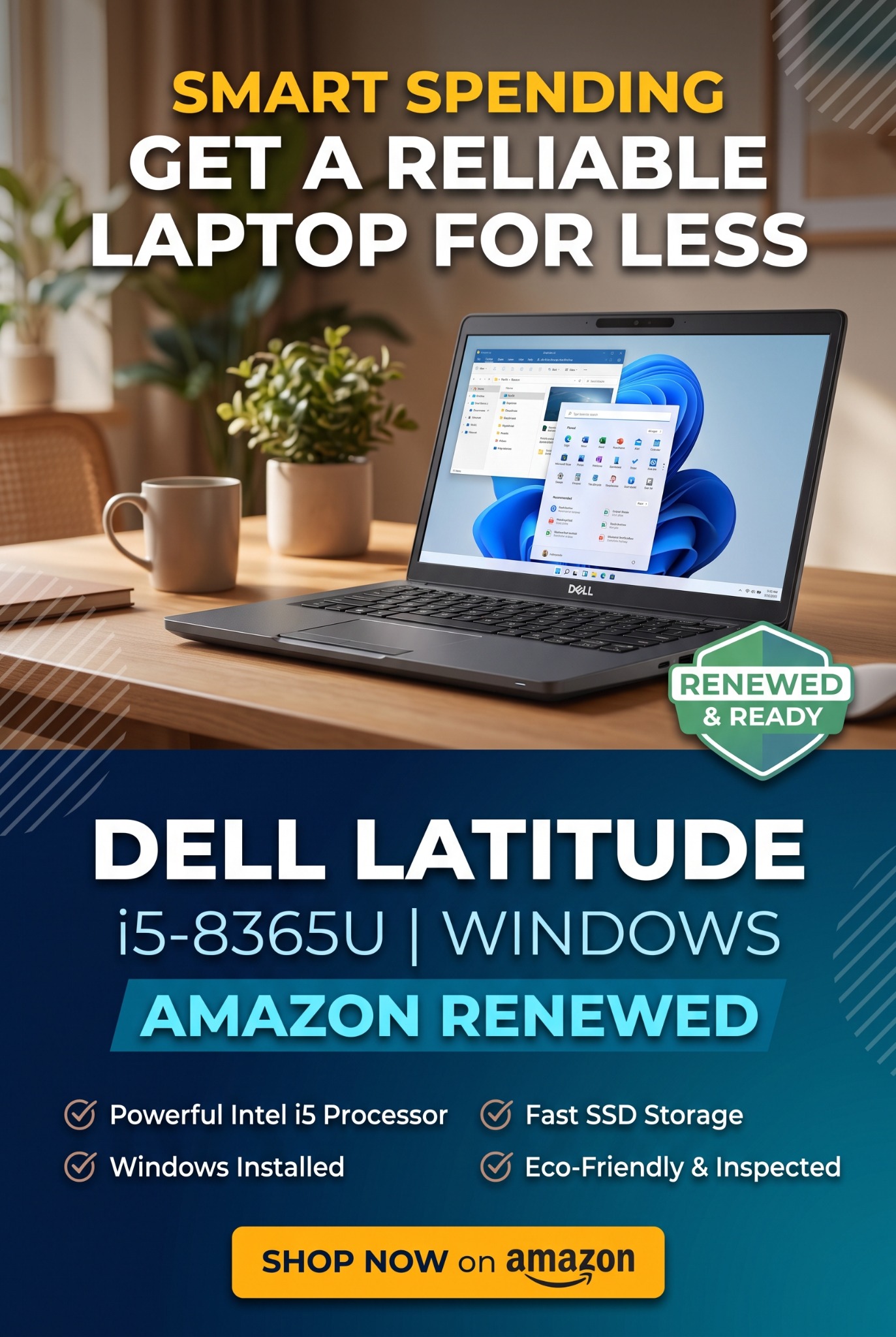
Streamline Income promotional pin featuring a renewed Dell Latitude laptop for budget-conscious home workers
Promotional artwork supplied by Streamline Income. Check the listing for the exact appearance, specification, condition and current price.

A capable laptop can make everyday work feel less frustrating without swallowing your start-up budget. The linked Dell Latitude 5400 Renewed listing specifies a 14-inch screen, Intel Core i5-8365U processor, 16GB RAM, 512GB SSD and Windows 11 Pro. That is a configuration worth considering for writing, spreadsheets, email, online research and managing a small website.

The appeal is practical performance for the money. Memory helps when switching between everyday applications, while SSD storage supports responsive file access. This is an older business laptop, so judge it against your actual workload—not modern high-end machines. Heavy video editing, demanding games or specialist software may call for something newer.

Buying refurbished can leave more money for the things your side hustle needs: a domain, essential software or simply a financial cushion while you test an idea. Compare the current price with equivalent new and refurbished options. Our guide to starting with a lower-cost side hustle explains why keeping initial commitments manageable matters.

Amazon describes Renewed products as inspected and tested, with refurbishment processes that can include replacing defective parts. Reusing equipment also extends its working life. Still, check the seller, cosmetic grade, battery condition, charger, UK keyboard layout, returns and guarantee terms. Confirm software and security-update support; “Windows installed” alone is not the whole picture.

If your current computer already meets your needs, keep using it. Otherwise, this Dell is an option to compare for creating beginner digital products. Protect your work with a separate backup routine, and build a comfortable workspace around it.

Ad · Amazon affiliate link. As an Amazon Associate I earn from qualifying purchases.
Find out more on Amazon

Executive Office Chair: Make Your Home Workspace Work for You

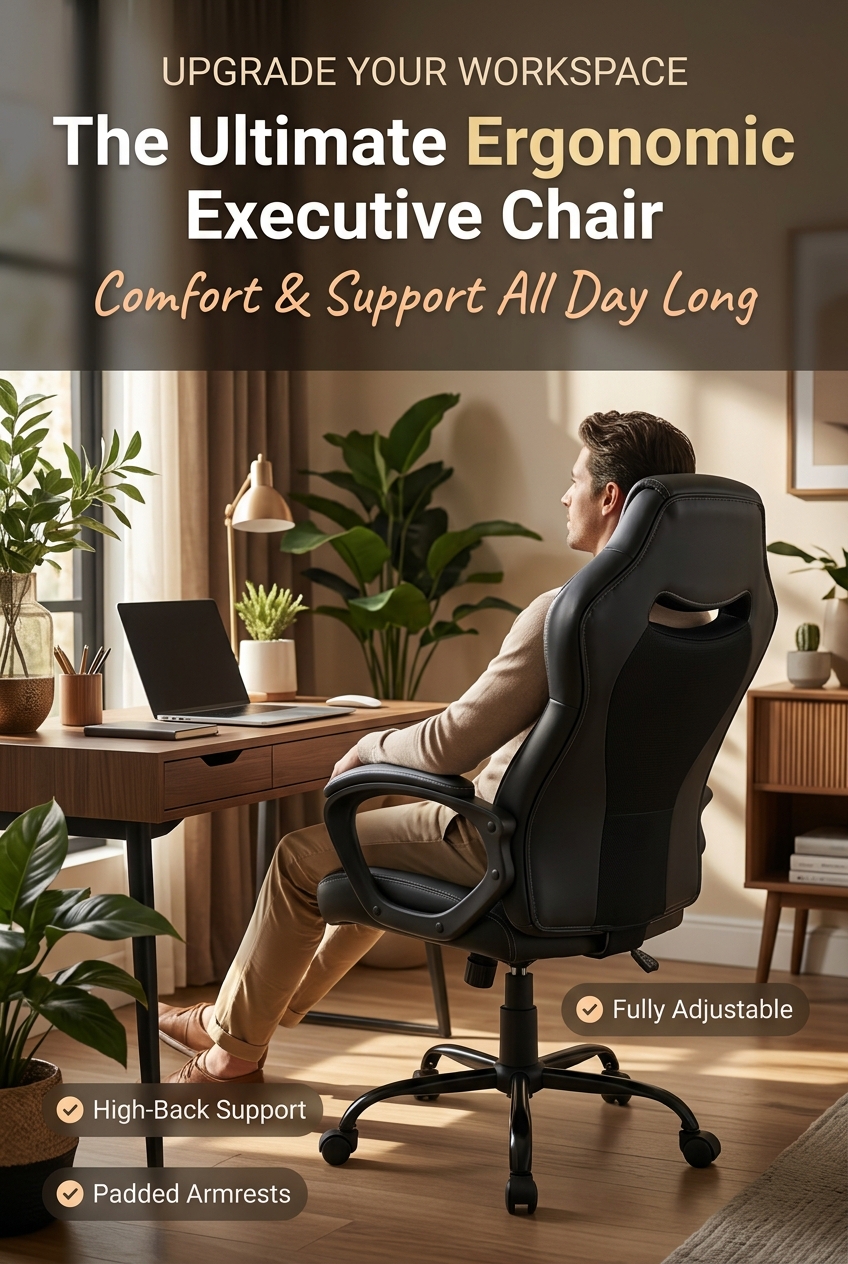
Promotional image showing a high-back executive-style chair in a home office
Promotional image supplied by Streamline Income. Check the Amazon listing for the exact chair and available adjustments.

When you are building an online income from home, your workspace becomes part of your daily routine. Writing articles, creating digital products and answering customers can involve considerable desk time. A chair deserves the same practical consideration as your laptop: does it suit you, your desk and the work you actually do?

The executive-style office chair pictured here is an option to explore if you are putting together a dedicated home workspace. Rather than choosing on appearance alone, compare the listing’s seat dimensions, height range, back support and armrest position with your existing setup. Check the stated weight limit, assembly requirements and returns arrangements before ordering.

Think about how the whole workstation fits together. Can you reach the keyboard without lifting your shoulders? Does the chair let you sit close enough to the desk? HSE’s workstation guidance highlights lower-back support, suitable seat height and screen position. A chair described as “ergonomic” still needs to fit the person using it.

Comfort also depends on your working habits. Build in regular changes of activity, get up and move, and avoid treating a new chair as a reason to stay seated all day. Our guides to pacing yourself for long-term success and building a manageable weekly content routine can help you plan a more sustainable schedule.

For a solo entrepreneur, the aim is a workspace that supports consistent, manageable sessions. Check this chair’s current details against your needs and budget, rather than assuming that any one model will suit everyone.

Ad · Amazon affiliate link. As an Amazon Associate I earn from qualifying purchases.
Find Out More On Amazon

Related guide: Why You Need a Comfortable Office Chair — practical checks for choosing and setting up a chair for online work.

Seagate Portable 2TB External Hard Drive: Protect the Work Behind Your Online Income

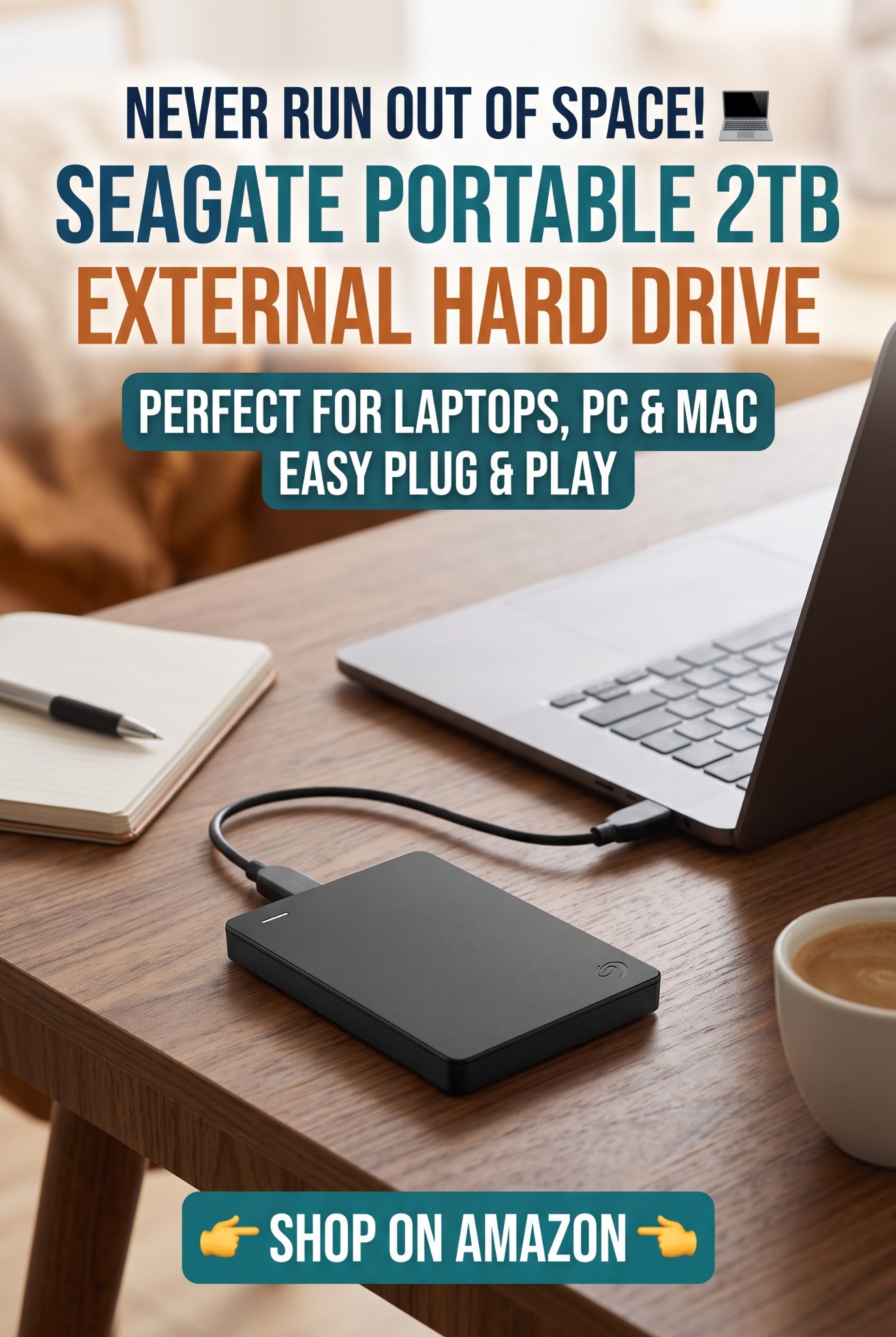
Seagate Portable 2TB external hard drive promotional image supplied by Streamline Income

When you work from home as a solo entrepreneur, your laptop can hold much more than documents. It may contain client projects, website files, product photographs, invoices and the digital downloads you sell. Losing those files can mean missed deadlines, interrupted sales and hours spent rebuilding work you have already completed.

A portable external hard drive, such as the Seagate Portable 2TB shown here, can provide a separate place to keep backup copies. It is particularly relevant if you are building a digital asset library or creating your first digital products: keep editable originals as well as the finished files customers receive.

Moving files is not the same as backing them up. If you move your only copy onto an external drive and delete it from your laptop, you still have just one copy. Keep your working files and additional backups. A useful starting point is the 3-2-1 approach: three copies, across two types of storage, with one copy off-site.

Build a routine around how much work you could afford to lose. Back up important changes after each working day, check that the backup completed and regularly test restoring a file. Safely disconnect your backup drive afterwards, and keep another backup elsewhere, such as a cloud backup service with version history. Ordinary file synchronisation can also copy accidental deletions.

Before buying, check the exact listing’s capacity, connection and compatibility with your computer and backup software; Mac use may require reformatting. This drive can be one part of your backup routine, rather than your only safeguard. Protecting yesterday’s work gives you more time to build tomorrow’s business.

Related guide: Are External Drives Reliable for Long-Term File Storage? Learn how to maintain a recoverable archive alongside your day-to-day backups.

Ad · Amazon affiliate link. As an Amazon Associate I earn from qualifying purchases.

Find Out More On Amazon

Further reading: Seagate’s guide to backups and Portable Drive compatibility notes.

Helpful reading while you plan

More ideas on Pinterest

Browse our board for online income and side hustle inspiration.

Check Out Our Pinterest