MINDSET · MENTAL TOUGHNESS BOOK SERIES · 4
Stop Refreshing Your Sales Dashboard: Make a Better Checking Routine
By Streamline Income · 4 November 2026 · 9 min read
You check your sales dashboard before writing an article. A few minutes later, you check again. Then you open it on your phone while the kettle boils.
The numbers may barely have changed, but the morning has. The useful task you planned is still waiting.
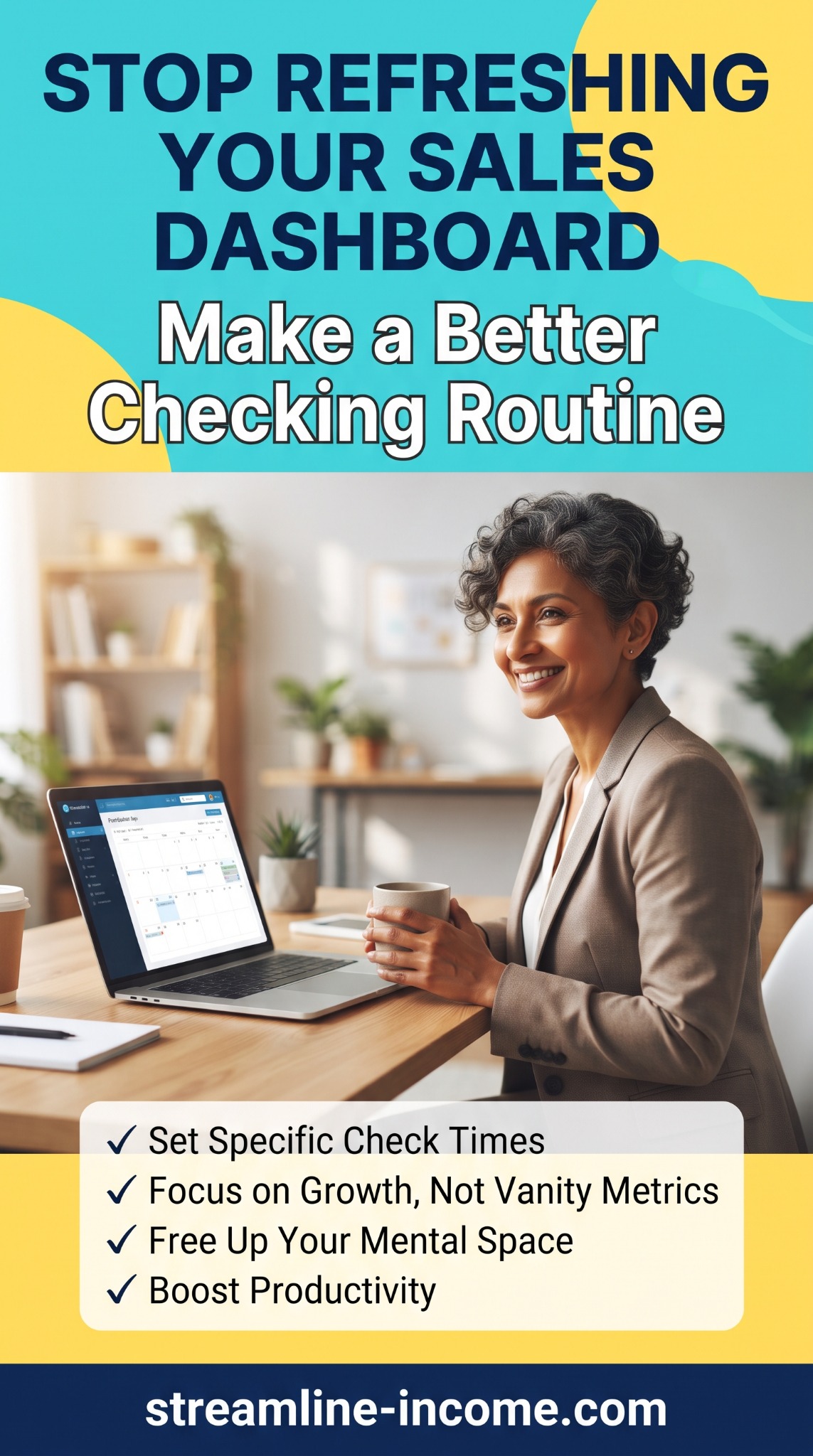
Our Pinterest pin suggests a better approach: set specific check times, focus on meaningful progress and make room for other work. You can keep an eye on your business without watching the sales total all day.
This is article four in our Mental Toughness Book Series. It uses original business examples to explore the broader themes of habits, patience and managing impulses. The practical aim is a checking routine that helps you make decisions and still respond when something genuinely needs attention.
What are you hoping the next refresh will tell you?
A dashboard is a screen that brings business information together. Depending on the service, it might show orders, visits, revenue or other activity.
Before opening yours, ask: “What decision will I make with this information?”
You might need to find an order to fulfil, investigate a customer’s missing purchase or review the results of an offer. Those are clear reasons to check.
Sometimes you simply hope the number has increased. That is understandable, especially after launching something you care about. But seeing the same figure again does not give you a new task or improve the offer.
Make a quick note of your reason. If there is no decision to make and no issue to investigate, you may be able to wait until your next planned review.
Separate customer service from watching results
The goal is not to ignore customers. An order waiting to be fulfilled or a failed download can need attention even when you are not reviewing sales trends.
Treat these as two different jobs:
- Service checks: identify orders, access problems, messages and other work that needs action.
- Results reviews: look at patterns and decide whether to change an offer, page or promotional activity.
A small digital-product business may need a different routine from a shop dispatching physical orders. Choose a frequency that fits your promises, activity and the consequences of missing a problem.
If the same screen contains both tasks, use a short checklist. Deal with what needs action, record anything important and close it when the check is complete.
For handling a difficult message, read How to Handle Your First Negative Customer Comment, the previous article in this series.
🕒 Give each check a time and a purpose
Choose checking windows that fit your working hours. For example, a side-business owner might review orders and messages at the start and end of their available work period, with a longer results review once a week.
That is an example, not a recommended minimum or a rule for every business. Your service commitments may require more frequent checks, and a very quiet project may need fewer results reviews.
| Check | Purpose | Finish line |
|---|---|---|
| Start of a work session | Find orders, messages or access issues requiring action. | Urgent tasks identified and prioritised. |
| End of a work session | Confirm promised actions are complete or have a clear next step. | Outstanding work recorded. |
| Weekly review | Compare a consistent period and investigate one useful question. | One decision or a recorded reason to keep observing. |
| Extra check after a warning | Investigate a genuine payment, access or fulfilment concern. | The issue checked and an appropriate response started. |
Put the planned review in your diary. Give it enough time to be useful, then return to the task you chose for the session.

Choose numbers that answer a question
Your pin warns about vanity metrics: numbers that look impressive but do not help with the decision in front of you. A measure is not automatically useless just because it is large or easy to see. What matters is how you use it.
For example, impressions can tell you that content was displayed. They do not, by themselves, show that someone visited your website or bought a product.
Start with a question, then choose information that helps answer it:
- Are people reaching the offer? Look at relevant visits or clicks, using the definitions provided by your tools.
- Are visitors buying? Review completed orders alongside an appropriate, consistently measured visitor count.
- Can customers use what they bought? Look at access questions, delivery problems and feedback.
- What is the work costing? Record expenses and time alongside sales figures.
Keep revenue, fees, refunds and other costs distinct. The total displayed as sales is not automatically the money left after running the business.
You do not need a wall of charts. A few clearly labelled figures and a useful question can be enough for an early review.
Avoid making a big decision from a tiny change
Imagine a fictional page receives 20 relevant visits and one completed order during a review period. That is one order per 20 visits, or 5%. If it received two orders from the same number of visits, the figure would be 10%.
The percentage doubled, but the difference was one order. That is worth recording, not enough on its own to declare that your strategy has suddenly become twice as effective.
Small amounts of activity can produce large-looking percentage changes. Compare like with like: the same reporting source, the same definition and similar periods. Note anything that could affect the comparison, such as a new promotion or a holiday.
If two tools disagree, check what each is counting before assuming either is broken. Avoid combining figures with different meanings into a result that looks more precise than it is.
Sometimes the sensible review outcome is “keep observing”. You do not need to change the price, headline and product every time you open the dashboard.
Replace an unnecessary refresh with a useful action
Prepare a short list of tasks you can do when you notice yourself reaching for the dashboard without a clear reason.
You might improve one instruction, check a useful link, draft a paragraph or answer a customer question. Choose something connected to the project rather than creating busywork just to stay occupied.
Try this simple plan: “If I want to refresh before my review time, I will note the question and finish the next small part of my task.” If the question reveals a real customer problem, investigate it.
Close unnecessary dashboard tabs when you begin focused work. Review your notifications and keep the alerts that support service or problem detection. You can reduce nonessential updates without switching off warnings you rely on.
Our guide to working when motivation goes missing offers ideas for making the next action manageable.
Keep a review note that leads somewhere
A useful review ends with a decision, a question or an action. Write four short lines:
- Period reviewed: which dates and which source did you use?
- Observation: what actually happened?
- Possible explanation: what might explain it, and what remains uncertain?
- Next step: what will you check, change or continue?
For example: “There were visits to the workbook page but no orders this week. The audience may not match the offer, or the page may need clarification. I will check the description and traffic source before changing the product.”
That note makes the uncertainty visible. It also gives your next work session a purpose beyond waiting for a sale.
🎄 Adjust your routine for Christmas activity
Seasonal promotions can make checking feel especially tempting. You have prepared a Christmas resource or gift offer and want to know whether anyone has noticed it.
Before the promotion begins, decide what requires prompt attention and what can wait for a planned review. Orders with delivery deadlines and customer access problems need a suitable service plan. A constantly changing sales total does not always need a response.
If you are running paid advertising or another activity with ongoing costs, use appropriate spending controls and monitoring. A reduced-checking routine should not leave spending or urgent problems unattended.
Mark promotional dates in your notes. Comparing a busy festive campaign directly with a quiet January week can hide important differences in demand, audience and activity.
If you take time off, set truthful availability expectations and arrange any necessary coverage. Check important links and delivery steps before the break. Our guide to the routine jobs that keep an online business running includes a seasonal maintenance checklist.

Try the routine for one week
Choose your checking windows, one weekly review question and a few useful tasks for the time between checks. Keep a brief note of any problems the arrangement creates.
At the end of the week, ask whether you met your service commitments, completed more of your planned work and had enough information to make decisions.
If you missed something important, change the routine. If the checks were still longer than needed, narrow their purpose. The aim is a useful balance, not a perfect streak of resisting the refresh button.
You can fit this experiment into our weekly content routine and recognise completed work with small milestones.
Frequently asked questions
How many times a day should I check?
There is no universal number. Base service checks on your orders, promises and risks. Give broader performance reviews a separate schedule so they do not interrupt every task.
Should I turn off sales notifications?
You can review which ones you need. Keep notifications that help you fulfil orders or detect problems, and consider reducing updates that repeatedly interrupt you without requiring action.
What if I have not made a sale yet?
Check that the offer and buying process work, then investigate whether relevant people are reaching it. Repeatedly viewing an empty sales screen will not answer those questions.
Will checking less increase my income?
There is no guarantee. The purpose is to make more room for useful work while maintaining service and oversight. Results still depend on the offer, audience, costs and execution.
Let the dashboard inform the work
Choose a question, check at a suitable time and record the next step. Then give yourself room to carry it out.
Your dashboard can help you understand the business. It does not need to be the place where you spend most of your business time.
Save to Pinterest · Share by email · Explore the Mindset collection