BEGINNER DIGITAL PRODUCTS · 7 MIN READ
What Kind of Digital Products Can Beginners Actually Create?
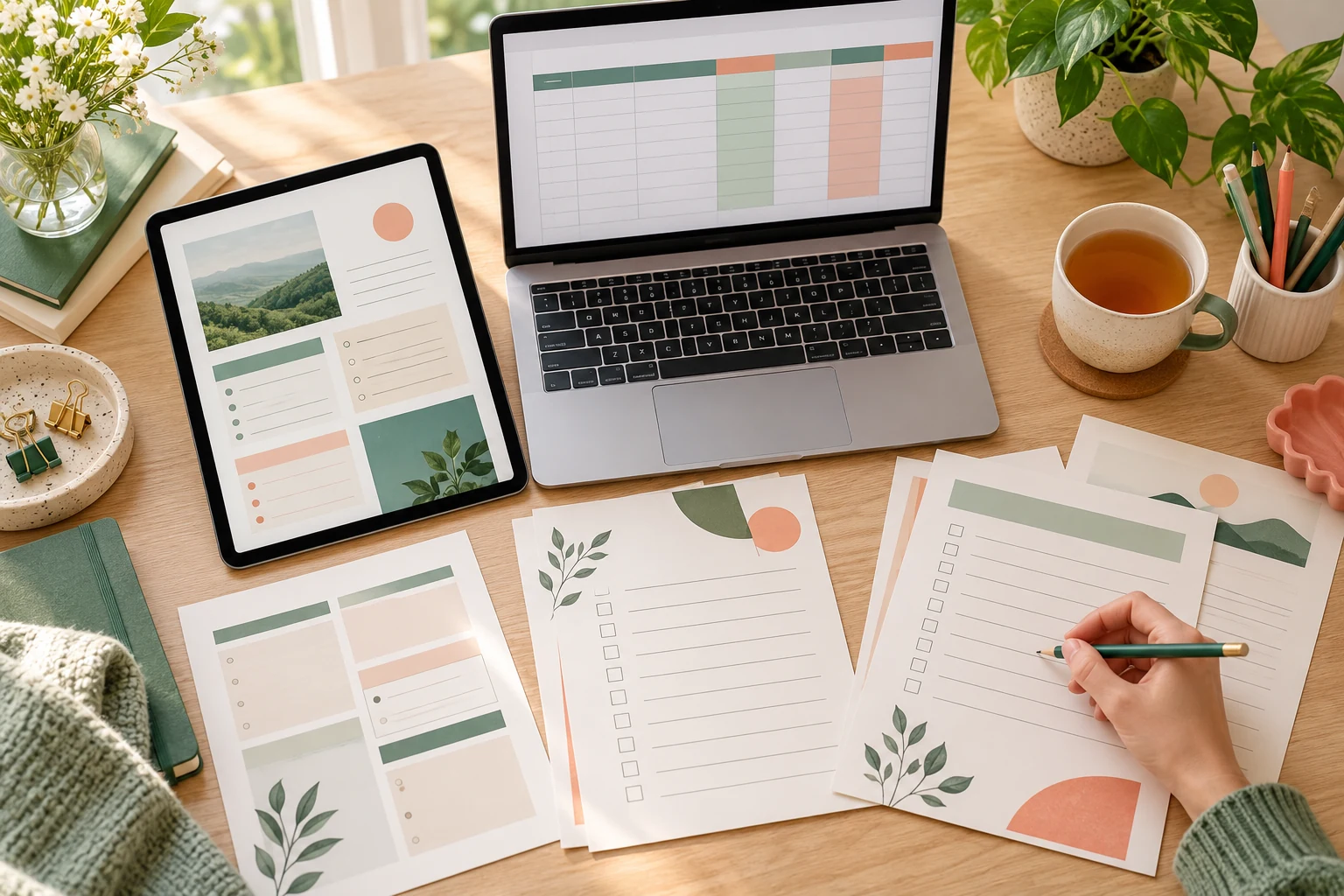
You do not need to build an app or record a comprehensive course to create your first digital product. A checklist, editable document or simple spreadsheet can be a complete product when it helps a particular person do something useful.
The important distinction is between being new to selling and being new to the subject. You can be a beginner business owner with valuable experience in teaching, organising, writing or a hobby. Start with something you understand well enough to explain accurately.
Your first product should have a modest, specific promise. The examples below are possible starting points, not proven bestsellers or guarantees of income.
1. Checklists that make a task easier
A checklist helps someone complete a sequence without forgetting important steps. Possible examples include preparing for a craft fair, organising files before a design project or packing equipment for a beginner photography outing.
A useful first version might contain a short preparation page, the checklist and a worked example. Group tasks in the order someone performs them and leave space for notes. A long list of obvious reminders is less useful than a concise sequence shaped by practical experience.
Test it by completing the task yourself and asking another person to follow it. Check whether any step needs more explanation. Choose a low-risk activity you know; a checklist is not a substitute for expertise in safety-critical work.
2. Short guides that answer a narrow question
A focused PDF can explain one process clearly. For example, a guide to organising a family photo archive could show a folder structure, filename examples and a manageable first sorting session.
Build around the reader’s starting point and desired outcome. Include examples, common mistakes and a clear next action. The right length depends on what the task requires, not how many pages look impressive in a listing.
Our guide to PDF guides and templates for beginners explores these formats in more detail. A short resource still needs accurate information, careful editing and readable formatting.
3. Editable templates that save repeated work
Templates provide a structure the buyer can adapt. Think of a meeting agenda, a project brief for a small design job or a weekly lesson-planning document.
Include both a blank version and a completed fictional example. Explain which sections to change, what software is needed and whether the buyer can alter the layout. Avoid promising universal compatibility unless you have tested it.
Begin with documents whose purpose you understand. A straightforward planning template is a more manageable starting point than a contract or specialist compliance document requiring professional knowledge.
4. Simple spreadsheets and trackers
If you already understand basic spreadsheet formulas, you could create a reading log, craft-material inventory or project-time tracker. The value comes from useful organisation and reliable calculations.
Start with a few clearly labelled columns and only the formulas the task needs. Identify input cells, provide sample data and include reset instructions. Test blank entries, zero values, added rows and accidental edits.
Check the file in every spreadsheet application you claim to support. Avoid complex financial forecasts or specialist calculators if you cannot verify their assumptions and results. A small reliable tracker is a better first project than an impressive-looking file you cannot troubleshoot.
5. Workbooks that guide a decision
A workbook helps the reader think through something and produce a result. A hobby-project planner could move from choosing an idea to listing materials, dividing the work and recording progress.
Each page should have a job. Explain the exercise, provide a realistic example and leave enough writing space. A collection of nearly empty pages with decorative headings is not automatically a useful workbook.
Keep related worksheets in a sensible order. If a reader must repeatedly stop to work out what you mean, improve the instructions before adding more pages.
6. Small lesson or demonstration packs
Someone with teaching or practical experience could make a short lesson pack: a worksheet, answer key and brief audio or screen demonstration explaining one skill.
For example, a language tutor might create an original practice activity around a small set of everyday phrases. Accuracy, clear instructions and suitable difficulty matter more than elaborate production.
Recording introduces additional work: intelligible sound, readable screens and captions or a transcript where appropriate. Start with one lesson you can review properly rather than promising an entire course.
Choose the format that fits your existing skills
| If you enjoy… | Consider starting with… | Check especially… |
|---|---|---|
| Organising tasks | A checklist or planner | Sequence and completeness |
| Explaining processes | A focused guide | Clarity and accuracy |
| Working with documents | An editable template | Instructions and compatibility |
| Using spreadsheets | A simple tracker | Formulas and unusual inputs |
Ad: If you want to explore an optional resource, view this site’s featured ClickBank product. Check its contents, full cost and terms against a specific learning need. Buying a resource is not a requirement for making your first product.
Check demand before building a bundle
Choose a particular user and problem, then investigate how they currently solve it. The Small Business Administration’s planning guidance highlights demand, competing alternatives and pricing as useful research questions.
Show a small sample to willing potential users. Ask them to complete a task and explain where they become stuck. Compliments are encouraging, but they are not the same as willingness to pay. Our seven-day idea-testing guide gives you a practical starting sequence.
For design assets, check the applicable licence rather than assuming everything inside an editing tool can be resold. Canva’s licensing explanation, for example, distinguishes permitted designs from restricted uses. Check the terms for your actual assets and intended product.
Before listing, test downloads, proofread instructions and describe exactly what files buyers receive. State software requirements and whether items are editable or printable. Use our guide to pricing your first digital product to consider the next decision.
Frequently asked questions
What is the easiest digital product to start with?
A focused checklist or simple template is often manageable if you already understand the task. Ease depends on your skills and the buyer’s needs, not just the file format.
Do I need expensive software?
Not necessarily. Begin with suitable tools you already have, checking their commercial-use terms and export options. Test what the buyer receives before paying for extra features.
Can I use AI to help create the product?
It can help brainstorm or draft, but you must review accuracy, originality, usability and any relevant platform rules. Do not publish unverified instructions or invent expertise.
Should I launch a large bundle immediately?
Usually, a small complete product is easier to test and support. Expand when feedback reveals a useful addition, rather than adding files merely to increase the count.
Make one useful thing first
Choose one audience, one task and one format you can deliver well. A clear, tested resource gives you a practical foundation for learning what buyers need.
Ad: To explore the featured option, review its details and purchase options. Assess its suitability before buying; no product purchase guarantees sales or income.
Ad: View Product & Purchase Options →Share this article
Know someone who would find this useful?
A practical starting setup: You do not need a premium new laptop to begin writing guides or building simple templates. If your current machine needs replacing, our renewed Dell Latitude recommendation explains one option to compare for everyday work, including the checks to make before buying refurbished.