HOME WORKSPACE & ERGONOMICS · 9 MIN READ
Why You Need a Comfortable Office Chair
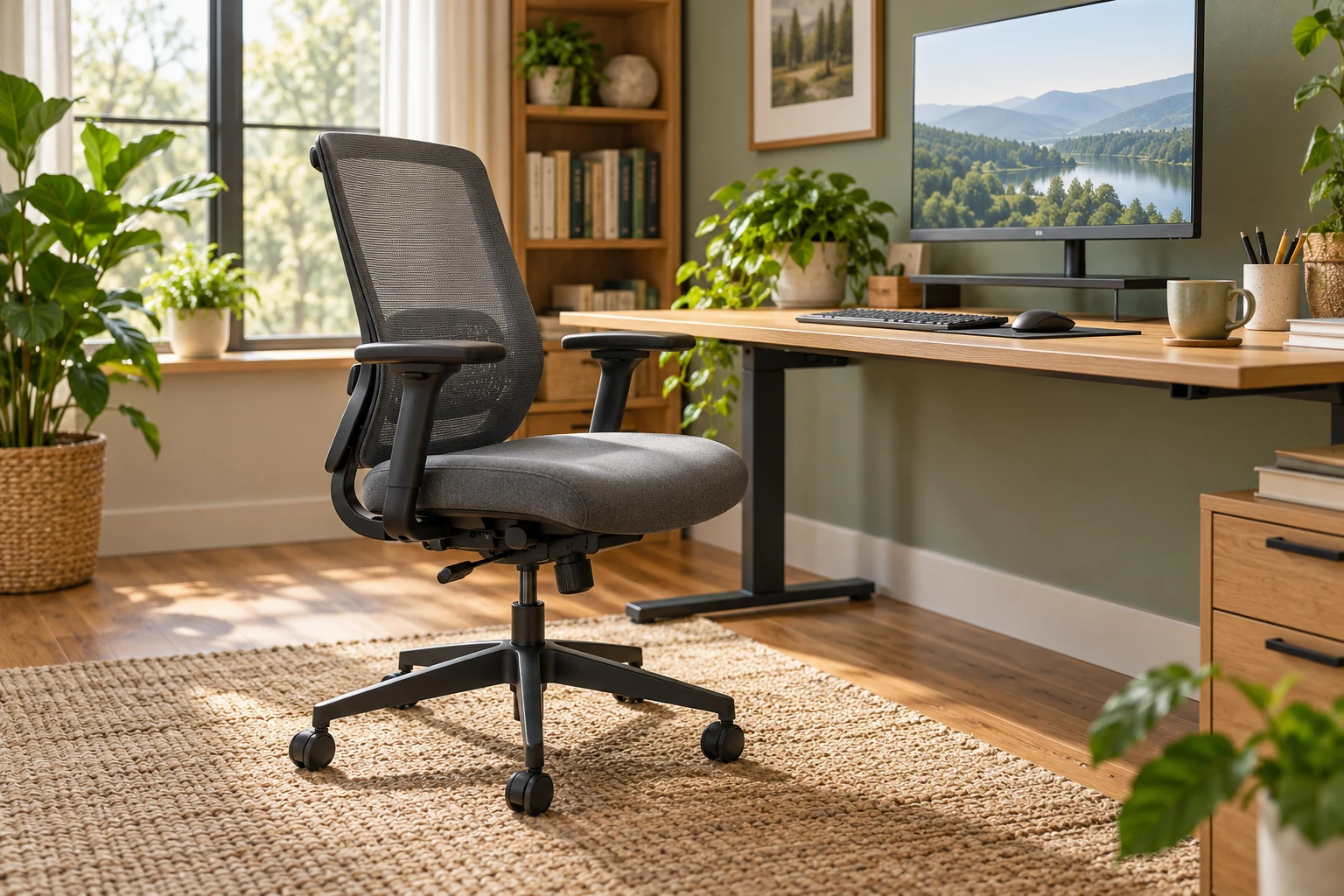
A comfortable office chair matters because it supports the person doing the work. If you earn online, or are building a side hustle from home, your working day may include writing, designing, researching, editing and answering customers. Your chair is part of that working environment, not simply a piece of furniture in the background.
That does not mean you need the most expensive model or a chair covered in impressive labels. You need something that fits your body, works with your desk and allows useful adjustments. You also need a routine that includes movement. A good chair supports better working conditions; it does not make uninterrupted sitting a good idea.
Why online workers should take their chair seriously
When you start an online business, it is understandable to concentrate on the website, product or first customer. You might use a dining chair because it is already there. The arrangement feels temporary, until weeks become months and the same makeshift setup becomes your usual workplace.
The UK Health and Safety Executive explains that poorly designed workstations and incorrect use of display screen equipment can contribute to discomfort in areas including the back, neck, shoulders, arms and hands. Its display screen equipment guidance is a useful starting point for reviewing your setup.
For a solo worker, there may be no office manager noticing that the furniture does not suit you. Make the review yourself: what feels awkward during an ordinary session? What are you constantly adjusting around? Treat those observations as information about the workspace, rather than something you must simply tolerate.
What “ergonomic” should mean when choosing a chair
Ergonomics is about fitting the work and equipment to the person. The Canadian Centre for Occupational Health and Safety emphasises that an ergonomic chair must suit the user, workstation and tasks. A description on a sales page cannot establish that fit for you.
Two people can sit in the same model and reach different conclusions. Their height, proportions, desk arrangement and preferred activities may differ. A broad, deep seat that suits one person may prevent another from using the backrest comfortably.
Look for usable adjustments and suitable dimensions, rather than assuming that more padding or a taller back automatically means better support. The question is not whether a chair looks professional on a video call. It is whether you can use it comfortably while doing your actual work.
The chair features worth checking
Use the following as a buying checklist. These are features to investigate, not confirmed specifications of the chair featured later in this article.
| Feature | What to check |
|---|---|
| Seat height | Does the adjustment range suit your body and work surface? |
| Seat size | Can you use the backrest without the seat edge pressing behind your knees? |
| Backrest | Does its shape and adjustment provide comfortable lower-back support? |
| Armrests | Do they support a relaxed position without blocking access to the desk? |
| Controls | Can you understand and reach the adjustments you need? |
| Base and castors | Is the chair stable and suitable for your floor? |
CCOHS’s chair-adjustment guidance also highlights a stable five-point base, appropriate castors and a seat that avoids pressure behind the thighs or knees. Check the manufacturer’s instructions and stated user-weight limit as part of your comparison.
If you can try a chair, test it at a desk rather than just sitting back briefly. If buying online, read the returns arrangements before ordering. Keep the packaging while you assess the fit, and check any conditions that apply once the chair is assembled.
Set up the whole workstation together
A chair cannot compensate for every problem elsewhere on the desk. If the keyboard is too high or the screen is off to one side, replacing the seat alone may leave the main difficulty unchanged.
HSE’s posture guidance recommends relaxed shoulders, a keyboard just below elbow height, support at the lower back and a little clearance behind the knees. It places the screen directly in front of the user, with its top around eye level and roughly an arm’s length away.
Check your setup while doing a normal task. Do you pull the keyboard towards you, then push it away to make room for paperwork? Does a drawer unit stop you getting close to the desk? Clearing an obstruction or reorganising frequently used items may be an important part of the solution.
Laptop users need to think beyond the chair
A laptop joins the keyboard and screen together. That makes it portable, but limits how independently you can position them. Raising the screen while continuing to type on the built-in keyboard can create a different awkward arrangement.
For prolonged laptop work, HSE suggests using separate input devices so the screen can be raised, or using a separate display. Consider the chair, screen, keyboard and mouse as one setup rather than four unrelated purchases.
Start with the task you repeat most often. If you write articles, test your typing position. If you edit images, check the reach to your mouse. If you tutor online, arrange your camera and notes without forcing yourself to spend the session turned away from the main screen.
Our featured executive-style office chair
We recently added an executive-style office chair to our Recommended Products page. It is an option to investigate if you are creating a dedicated home workspace or replacing a chair that does not suit your desk.
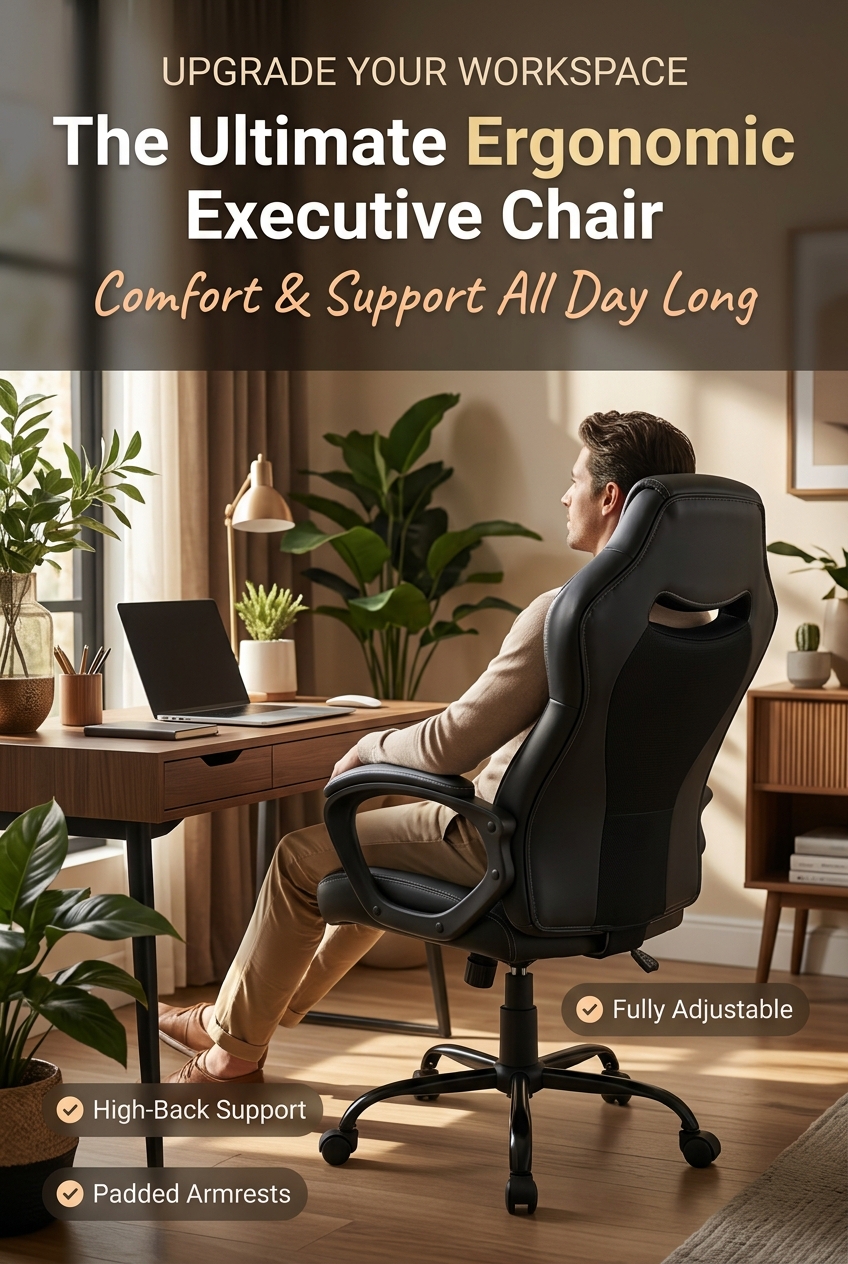
Use the checklist above when reviewing the Amazon listing. Confirm the seat-height range, seat dimensions, backrest adjustments, armrest details and weight limit. Do not assume that every feature discussed in this guide is included simply because a product is described as ergonomic.
Our reference is a product introduction, not a claim that we have personally tested this model or that it will prevent pain. The most useful next step is to compare its verified details with your own needs, available space and budget.
Find Out More On Amazon Ad · Affiliate link
Comfort should support breaks, not replace them
A comfortable seat does not remove the need to change activity. HSE advises taking short, frequent breaks rather than relying on less frequent long ones, and using breaks to move around or change posture. See its work-routine guidance for practical examples.
Make those changes part of the job. Finish drafting a section, then step away before proofreading it. Take a suitable phone call away from the desk. Pause between customer tasks rather than opening another tab automatically. Switching from your computer to scrolling on a phone is not much of a change in activity.
Our article on pacing yourself for long-term success explores the wider habit of working sustainably. A supportive workspace and manageable workload belong together: buying equipment cannot fix a schedule with no room to stop.
Make a sensible upgrade on a beginner’s budget
Before spending money, write down the actual problem. “My chair is old” is less useful than “the seat is too deep for me to use the backrest” or “the arms stop me reaching the desk”. A specific problem gives you something to compare against the product details.
Next, measure the available space. Include the room needed to pull the chair out, move around and open nearby cupboards. Check the clearance beneath the desk rather than relying only on the desk’s overall height.
Choose a budget you can afford without assuming future sales will cover it. A suitable chair is working equipment, but it is not an income-generating promise. Avoid buying a bundle of accessories before understanding which changes you actually need.
If you are building a side hustle around a full-time job, focus on making your available sessions workable. You do not need a showroom office before you can publish your next useful article or finish a small product.
A practical first-week check
Once the chair is assembled correctly, read the adjustment instructions and try one change at a time. Keep a short note of what you changed so you can compare settings without guessing.
- Before starting: check the chair, desk clearance and location of your main equipment.
- During work: notice any repeated reaching, awkward positioning or pressure.
- Between sessions: step away and vary the activity.
- After several sessions: decide whether the chair suits your normal tasks and review any return deadline.
Do not force yourself to persevere with a poor fit because the chair is new. If pain, numbness or other symptoms persist, seek advice from a qualified healthcare professional or an appropriate workstation assessor rather than expecting a different chair setting to solve everything.
A workspace that supports consistent work
A good office chair earns its place by fitting your working life. Its importance is practical: it is part of the environment in which you spend time creating, learning and serving customers.
Review what you already have, identify the most useful adjustment or replacement, and combine it with regular movement. Then build that approach into your weekly content routine. The goal is a manageable place to work, with attention left for the project you came to do.
Frequently asked questions
Does a comfortable office chair have to be expensive?
No. Price alone does not establish fit. Compare dimensions, useful adjustments, construction and returns arrangements within your budget.
Is a high-back chair automatically ergonomic?
No. A tall backrest is a design feature, not proof that the chair fits your body or desk. Check the overall fit and available adjustments.
Can a new chair cure back pain?
No particular chair can promise that. A better workstation may address some sources of discomfort, but persistent symptoms need appropriate individual advice.
Should I still take breaks if the chair feels comfortable?
Yes. Comfort does not replace movement or changes of activity. Plan breaks into your work instead of waiting until you feel uncomfortable.
Where can I find the chair featured here?
Visit our office chair recommendation for the introduction and Amazon link. Verify the current listing’s details before deciding whether it suits you.
Take your next manageable business step
If you are exploring the online-income system featured on Streamline Income, review its offer and terms to decide whether it suits your goals and budget. This is separate from the chair recommendation above.
Explore the Featured System — AdAffiliate link. Results depend on your circumstances and work; income is not guaranteed.