STARTING AN ONLINE BUSINESS · 9 MIN READ · 23 OCTOBER 2026
5 Essential Tools Every New Online Entrepreneur Needs

Starting an online business can quickly turn into a shopping exercise. You look for a website platform, discover an email service, watch a tutorial about automation and suddenly have six subscriptions before you have published anything useful.
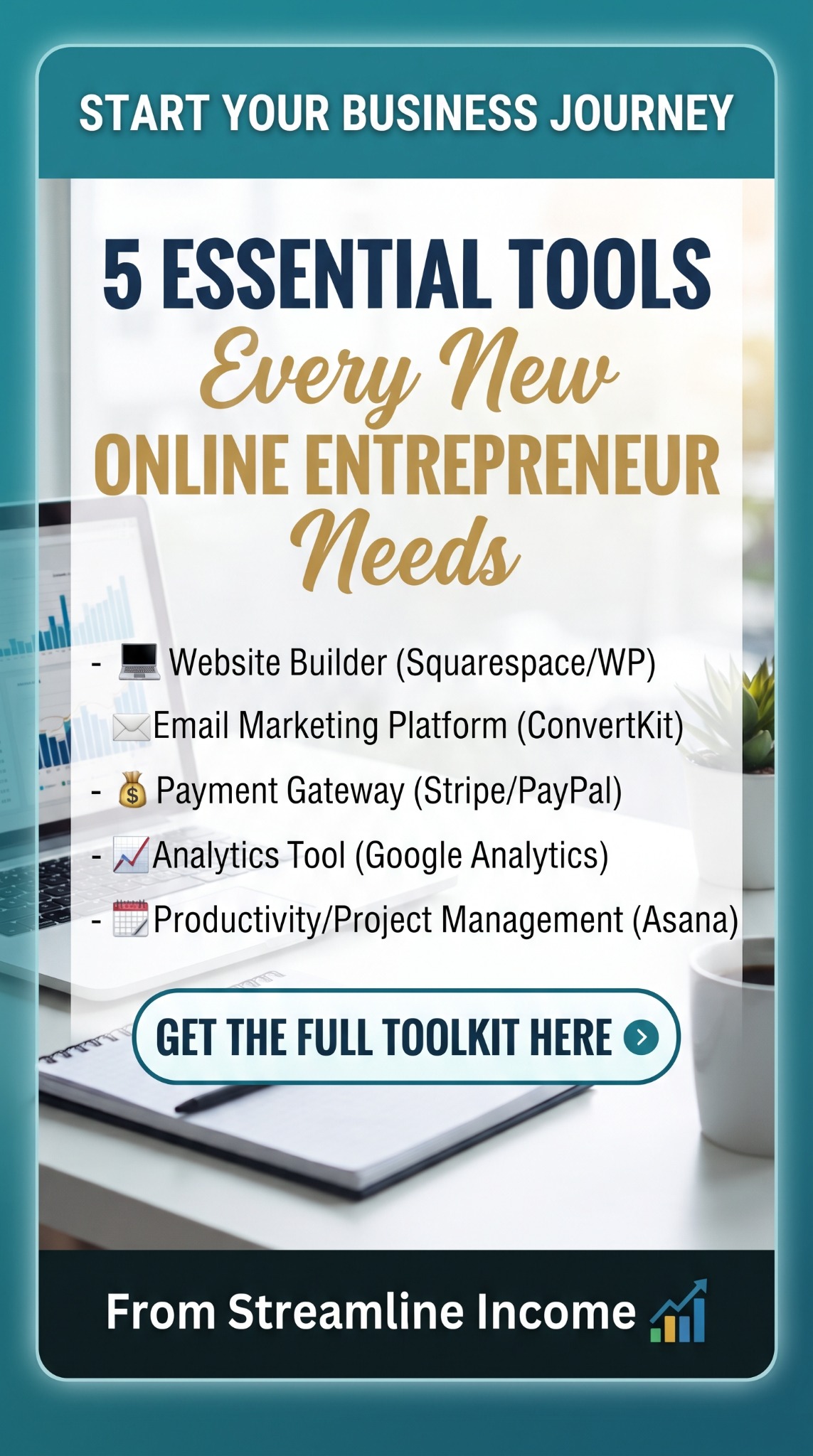
The better starting point is to identify the jobs your business needs done. Our Pinterest pin highlights five: building a website, communicating by email, accepting payments, understanding results and organising your work. These are useful foundations, but they do not require five paid subscriptions on day one.
This guide explains what each tool is for, what to check and how to start simply. The named platforms are examples to investigate, not a claim that one combination suits every beginner.
Your five-tool starter checklist
- Website: somewhere readers can understand your offer and find your content.
- Email: a way for interested readers to hear from you again.
- Payments: a suitable checkout when you sell your own products or services.
- Analytics: enough information to decide what to improve.
- Task management: a place to turn ideas into manageable actions.
1. A website platform you can maintain
Your website gives people a place to read your guides, explore recommendations and understand what you do. The essential feature is not a spectacular homepage. It is the ability to publish useful information and keep it accurate without becoming overwhelmed.
The pin suggests Squarespace or WordPress. Squarespace’s templates provide starting layouts that you customise. WordPress needs a little clarification: WordPress.com and self-hosted WordPress.org involve different hosting and management arrangements. With self-hosting, check who handles updates, backups and support rather than assuming everything is included.
If you already have a working site and a manageable publishing routine, keep it unless there is a specific problem to solve. Changing platforms can consume the hours you intended to spend creating content.
What to check before choosing
- Can you edit an article and add an image yourself?
- Does the layout work comfortably on a phone?
- Can you add your chosen email form and relevant product links?
- What will the domain, hosting, renewals and any necessary extras cost?
- Can you export or back up your content if you move later?
First action: publish a clear introduction and one useful guide, then test every link on both your phone and computer. Our guide to building an affiliate resource hub on a single page shows how a focused page can organise helpful recommendations.
2. An email platform for staying in touch
A visitor may enjoy an article and then forget your website’s name. An optional newsletter gives that person a way to return. Start with a specific promise, such as a fortnightly practical tip or a monthly collection of useful guides.
The pin calls this tool ConvertKit. The company renamed it Kit. When comparing email platforms, look for the features your actual routine needs: signup forms, straightforward email editing, subscriber management and a welcome message. Check current plan limits instead of choosing from an old pricing screenshot.
Think about the reader’s experience before building an elaborate sequence. What will they receive immediately after signing up? Will it match the promise beside the form? Is it obvious who is writing and how to unsubscribe?
First action: create one signup form and test it with your own address. Read the welcome message on a phone, check its links and test the unsubscribe process. Follow your platform’s instructions for verifying your sending address and domain.
Our first five welcome emails guide helps with the writing. You can also use our newsletter frequency guide to choose a schedule you can maintain. A useful message sent consistently is a better starting goal than a complicated automation you cannot explain.
3. A payment service when you have something to sell
Stripe and PayPal appear on the pin because an online seller needs a dependable way to accept payment. However, if you only recommend other people’s products through affiliate links, the merchant handles the customer’s checkout. You do not need to add your own payment gateway just to publish affiliate articles.
When you sell a template, guide or service, choose a checkout that fits your storefront and business location. Stripe Payment Links, for example, provides hosted payment pages you can link to. If considering PayPal, check its current business checkout options directly. Do not assume every platform, country or account supports the same setup.
A payment service and a digital-delivery system perform different jobs. Taking the money does not automatically guarantee that the right PDF reaches the buyer. Check how your chosen selling platform connects payment confirmation, receipts, downloads and support.
- Compare transaction charges, currency conversion and any platform fees.
- Check payout timing, refund handling and account-verification requirements.
- Make sure buyers can see what they are purchasing and how to contact you.
- Use the provider’s supported testing process to check the complete journey.
First action: trace one purchase from the product page to the receipt and delivery message. Our guide to delivering digital products automatically explains that wider process. If the offer itself is unclear, work through writing a sales page without aggressive hype before adding more checkout features.
4. Analytics that answers a useful question
Analytics should help you decide what to do next. It should not become a screen you refresh whenever writing feels difficult. Begin with questions: which articles attract readers, where do those readers come from and which relevant links do they choose?
The pin suggests Google Analytics. Google’s reporting overview explains how its reports help you understand website activity. Some information requires additional setup. Installing a tag does not automatically produce reliable sales reports for every external checkout or affiliate merchant.
Google Search Console answers a different question: how your pages appear and perform in Google Search. Its performance report covers measures such as impressions and clicks. An impression is not a visit, and an outbound affiliate click is not a confirmed sale.
First action: choose three measures relevant to your current stage and review them monthly. For a new content site, that might be search clicks, newsletter sign-ups and outbound recommendation clicks. Compare like-for-like periods and avoid drawing sweeping conclusions from a handful of visitors.
Before adding visitor tracking, check the provider’s current privacy and consent guidance for your location and audience. For the practical measurement side, read how to track affiliate clicks and understand reader interest.
5. A simple task-management system
Your final tool protects the time you have available. Without a trusted task list, you can spend an evening jumping between half-written articles, image ideas and software tutorials without finishing anything.
The pin suggests Asana. Its work-management guidance describes organising work through projects and tasks. For a solo beginner, a spreadsheet or notebook may also be sufficient. The important requirement is that your next action is clear.
Create three lists: To Do, In Progress and Done. Break “launch my business” into actions such as “outline the first guide”, “check the product link” and “test the signup form”. Give each task a realistic deadline and keep the In Progress list short.
First action: choose three outcomes for the coming week and write the smallest next step for each. If you work around shifts or family responsibilities, plan for the time you actually have. Our weekly content routine can help you fit research, writing and promotion into manageable sessions.
Keep the equipment underneath it simple
These five categories are mainly software, but your everyday equipment still matters. A dependable computer, a comfortable workspace and recoverable copies of your work can remove practical obstacles. They do not need to become an expensive shopping list.
If your current computer is limiting you, our refurbished Dell Latitude recommendation includes buying considerations. Check the specific listing’s condition, operating-system support and seller terms. Our office-chair write-up and Seagate external-drive recommendation cover other useful workspace options. Keep another independent backup rather than relying on one drive.
Frequently asked questions
Do I need all five tools immediately?
No. Use the checklist to cover the jobs your business currently needs. A content site can begin without its own checkout; task management can start on paper. Add complexity when there is a concrete reason.
Should I buy annual software plans to save money?
Test whether the tool fits your work before making a longer commitment. Compare the total cost and cancellation terms. A discounted subscription is still wasted spending if you stop using it.
Will the right tools help me earn money faster?
They can remove obstacles, but they cannot guarantee demand, traffic or sales. Useful content, a suitable offer and a repeatable way to reach readers still require attention.
What should I set up first?
Choose a clear business idea and one useful action for your reader. Then establish a manageable website and task list. Use our 12-month digital income roadmap to sequence the remaining work.
Choose tools that support your next step
Start with the smallest setup that lets you publish, help readers and learn. Before paying for anything else, finish one task with the tools you already have.
If you want to explore an additional business resource, our featured offer is linked below. Review its contents, full price and terms against your needs. It is separate from the five tools discussed here, and buying it is not required to follow this guide.
Explore the Featured Business Resource →Share this article
Know someone who would find this useful?