PINTEREST MARKETING · 5 MIN READ
How to Use Pinterest to Drive Steady Search Traffic to a Content Site
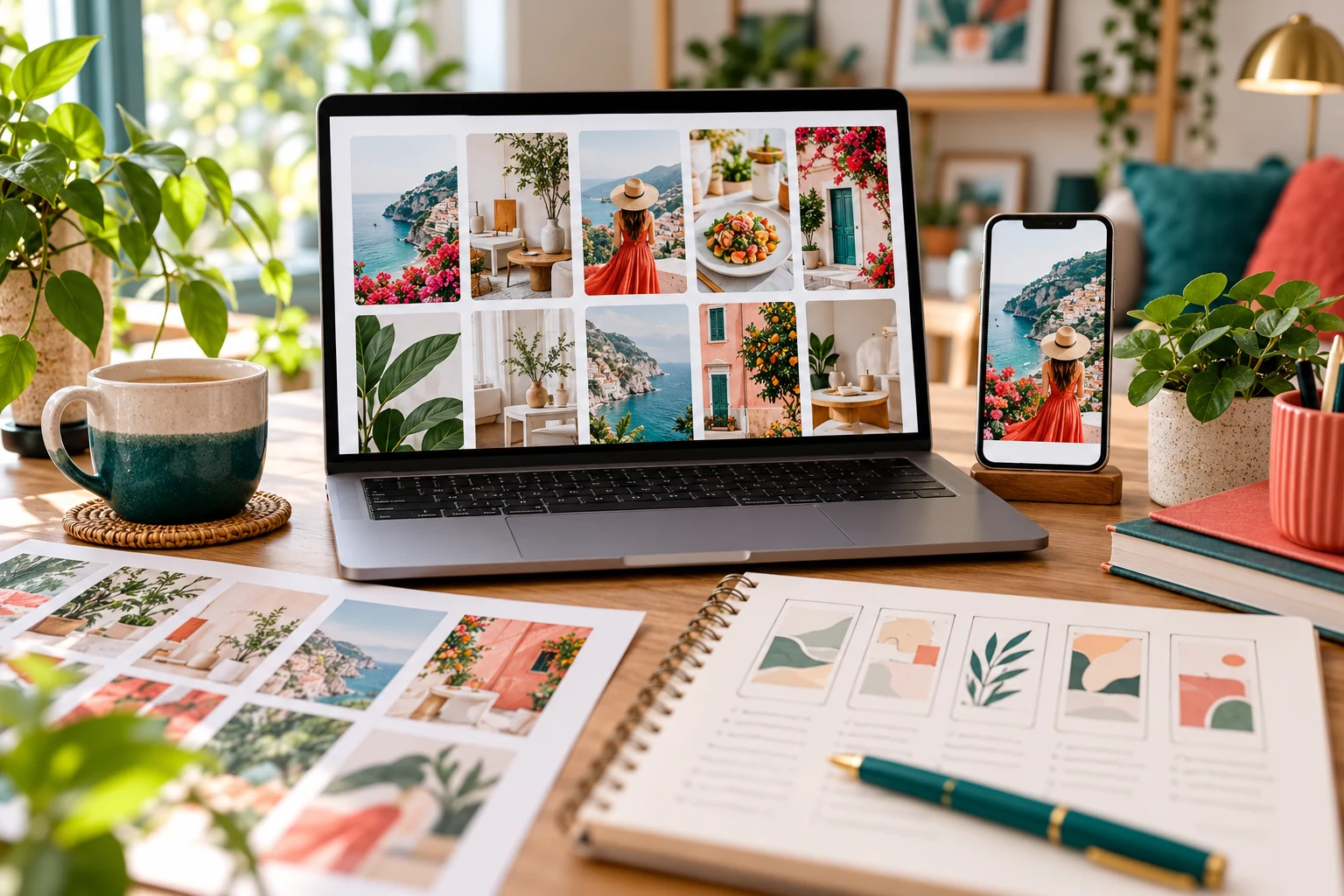
A useful article needs a route to readers. Pinterest can provide one by connecting visual ideas with people searching for something to plan, learn or try. A well-matched Pin gives someone a reason to visit the article behind it.
The aim is to build a repeatable source of relevant visits. “Steady” does not mean guaranteed daily traffic: distribution, demand and seasonal interest can change. Treat Pinterest as a channel to develop and measure alongside your other ways of reaching readers.
1. Start with a clear reader and useful destination
Choose an article that answers a specific question. “How to price your first digital product” gives you a clearer Pin topic than a general homepage about online income.
Check that the article fulfils its headline, reads comfortably on mobile and offers a relevant next step. A persuasive Pin cannot compensate for a confusing destination or a page that immediately pushes an unrelated purchase.
Our guide to building an affiliate resource hub explains how to organise related recommendations once visitors are ready to explore further.
2. Set up measurement before judging results
Pinterest Analytics requires a business account. Use the available reporting to understand which content attracts attention and which Pins send people to your site.
Claim your website if you control it and can complete Pinterest’s verification process. Pinterest explains that claiming a website provides analytics for Pins published from it. Follow the current instructions for your hosting setup.
On a manually uploaded site, retain the verification file or tag in every future website package. Otherwise, a later upload could accidentally remove it.
3. Research the language readers use
Try searches related to your article and note relevant suggestions, recurring questions and the wording on useful results. These are clues about topics to investigate, not verified search-volume figures.
Build a small topic group around related needs. A digital-product site might cover choosing a first product, pricing it and creating a useful preview. Each article should answer its own question.
Pinterest’s distribution guidance recommends relevant keywords in Pin titles, descriptions and board information. Write naturally and use board names that explain the subject. Avoid unrelated popular terms or lists of repetitive phrases.
4. Design Pins people can understand quickly
Pinterest’s creator guidance recommends a 2:3 aspect ratio for images, such as 1000 × 1500 pixels. Use a relevant visual, readable contrast and a short headline that remains clear on a phone.
Keep the main message focused. A Pin for a pricing guide might use “Price Your First Digital Product” rather than promising a particular income or sales result.
Include consistent branding without letting it overwhelm the subject. For this site, a small “From Streamline Income” footer can identify the source while leaving room for the headline and image.
5. Match the Pin to the exact article
Link directly to the article the Pin describes. Check the destination after publishing and make sure its title and content match the expectation you created.
Write a description that explains who the article helps and what they will find. Add relevant keywords where they fit, but prioritise clarity over trying to include every possible search phrase.
If you update or move an article, check the Pins that point to it. Keep working links in place or arrange an appropriate redirect rather than leaving readers at a missing page.
6. Use a manageable publishing routine
Start with a schedule you can maintain while still writing worthwhile articles. For example, you might create two distinct designs for each new guide and publish them at separate points in your content calendar. That is a workflow example, not an algorithm rule.
Give each variation a reason to exist: a different relevant image, a clearer headline or another genuine angle from the article. Avoid repeatedly posting near-identical Pins simply to meet a volume target.
Our guide to finding time alongside full-time work can help you reserve a realistic slot for design, publishing and review.
7. Measure visits rather than chasing impressions alone
Impressions indicate visibility; outbound clicks indicate actions leading towards the linked destination. Saves can suggest interest, but none of these measures automatically proves a sale.
Review individual Pins and compare similar periods. Where possible, check website analytics too: do referred visitors read another article or follow a relevant link? Pinterest clicks and website sessions may differ because the systems measure different events.
If impressions are low, revisit topic relevance and presentation. If impressions rise but clicks remain weak, examine whether the headline creates a clear reason to read. Test a meaningful change rather than assuming every quiet week requires a new strategy.
8. Improve a connected collection of articles
Keep developing useful related content and give readers natural internal links. Our article on building a digital asset library explains how individual resources can support a coherent collection.
Review older destinations, refresh outdated advice and learn from topics that attract relevant readers. No fixed number of Pins guarantees traffic; useful content and measured improvements give the process direction.
Build a repeatable route to useful content
Choose one helpful article, create a clear Pin and check what happens after publication. Use that evidence to improve your next design and destination.
For an optional business resource, review the featured product. Check its contents, price and terms against your needs.
Explore the details below and decide whether it fits your plan. No purchase is needed to start planning your first Pins.
Explore the Featured Product →Share this article
Know someone who would find this useful?