BUILDING DIGITAL PRODUCTS · 7 MIN READ
How to Package Your Existing Knowledge Into a Structured Digital Asset
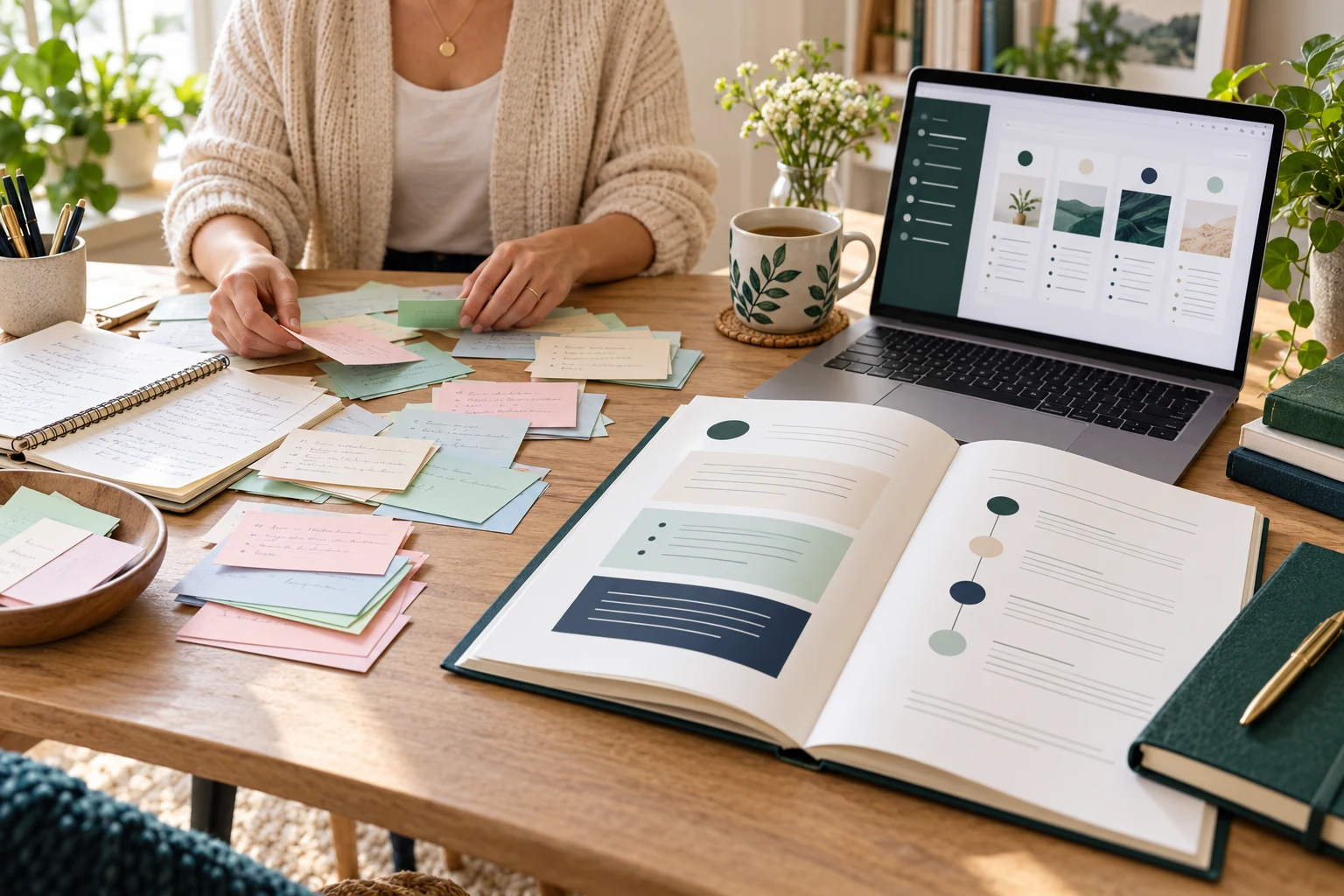
You may already have the raw material for a digital product: a process you repeat, questions people ask you or notes from a task you have learned to do well. The challenge is organising that knowledge so someone else can use it without you explaining every step.
A structured digital asset is a reusable resource such as a guide, workbook or template pack. Its value comes from helping a particular person complete a task, make a decision or avoid confusion. Uploading all your notes into one large PDF does not automatically achieve that.
Here is a practical way to turn what you know into a small, coherent package.
1. Choose one useful outcome
Write this sentence: “This resource helps [specific person] complete [specific task], starting from [their current situation].”
For a worked example, imagine you have experience organising family photographs. Your first product could help someone sort one folder of mixed digital photos into a consistent structure. That is more manageable than promising to organise their entire digital life.
Describe what completion looks like: a labelled set of folders, a naming convention and a short routine for adding future photos. Also state what you will not cover, such as specialist restoration or recovering damaged storage devices.
If you are unsure which format suits the task, read our guide to digital products beginners can actually create.
2. Gather your knowledge before designing pages
Make a rough inventory of what you already know. Capture recurring questions, decisions, useful examples and mistakes you have learned to avoid. Use brief notes or a private voice recording if writing everything out interrupts your thinking.
For the photo example, your notes might mention choosing a folder structure, recognising duplicate filenames, recording dates and separating uncertain items for later review.
Label anything that needs checking. Experience is useful, but details can become outdated. Keep a source record for factual claims and distinguish your preferred method from a requirement.
Use your own material and fictional examples. Leave out confidential workplace information, customer files and content you do not have permission to distribute.
3. Put the steps in the learner’s order
You know the task well enough to skip steps mentally. Your reader may not. Arrange the material around what they need to understand and do next, rather than the order in which you collected it.
A simple structure is: prepare, choose, act, check and maintain. Each section should produce something the next section uses.
| Stage | Photo-organising example | Reader’s output |
|---|---|---|
| Prepare | Choose a small practice folder and preserve the originals | A defined, safe practice set |
| Choose | Compare two simple folder approaches | A chosen structure |
| Act | Apply the naming and sorting method | An organised sample folder |
| Check | Confirm files open and names make sense | A completed review checklist |
| Maintain | Plan how to handle new photos | A repeatable routine |
The table is an outline, not a complete technical procedure. Your finished resource still needs accurate instructions and appropriate precautions for the task.
4. Give every section an explanation, example and action
For each step, explain why it matters, show what it looks like and ask the reader to do something specific. Then show how they can check their work.
Instead of “use consistent filenames”, provide a fictional naming example, explain its parts and include a short exercise. A blank worksheet becomes easier to understand when a completed version sits beside it.
Include common sticking points where they occur. If people often struggle to choose between two methods, add a brief decision guide at that point rather than hiding the answer in a distant appendix.
Cut material that does not support the promised outcome. You can save related ideas for another resource without making this one feel incomplete.
5. Build a small package with clear file roles
You do not need a file for every paragraph. A useful first package might contain:
- Start Here: the purpose, intended user, required tools and suggested order.
- Main Guide: the steps, explanations and worked examples.
- Templates: the reusable pages or documents needed to complete the task.
- Final Checklist: a quick way to review the result.
Use filenames that explain their purpose. If you supply both printable and editable versions, identify the difference and state the software requirements. Our article on building a digital asset library explores how reusable resources can work together.
Ad: For an optional learning resource, you can view this site’s featured ClickBank product. Compare its current contents, price and terms with a specific gap in your plan before purchasing.
6. Make the content easy to navigate
Use descriptive headings, short instructions and meaningful link text. Explain unfamiliar terms where readers first encounter them. Keep layout choices consistent so people can concentrate on the task.
The W3C’s accessibility writing tips recommend clear content, useful headings and descriptive links for the web. Those are helpful writing principles for a digital resource too, although accessible documents also require format-specific checks.
Inspect the exported file, not just the editable original. Check reading order, selectable text, image descriptions where supported, contrast, links and printing. Do not describe a PDF as editable or fillable unless those features work as stated.
7. Test usefulness and demand separately
Ask a willing person from your intended audience to follow one section without coaching. Note where they hesitate, what they misunderstand and whether they can produce the expected result. Improve the instructions before expanding the package.
Usability does not establish demand. The Small Business Administration’s planning guidance includes investigating customer demand, competing options and pricing. Ask how people currently solve the problem and what would make your package worth paying for.
Our seven-day testing guide can help you structure that early investigation. Keep a version number and review date so corrections and updates remain manageable.
Frequently asked questions
Do I need to be a recognised expert?
You need enough reliable knowledge to deliver the stated outcome accurately. Keep the scope within your competence and avoid presenting personal experience as specialist professional advice.
How much information should I include?
Include what the intended user needs to complete the task, with examples and checks. Page count is not a useful substitute for completeness or clarity.
Can AI organise my notes?
It can suggest an outline or identify repetition. Review every step yourself, protect confidential information and check that it has not added unsupported facts or invented experience.
Should I create several formats at once?
Start with the format that best supports the task. Add video, audio or extra templates when testing reveals a real need and you can maintain them properly.
Turn one useful process into something repeatable
Choose a narrow outcome, organise the necessary steps and build one complete example. Test whether another person can use it before you invest in a larger package.
Ad: If you want to explore the featured option, review its product details and purchase options. Check suitability and the full cost first. No purchase is required to follow this process, and creating an asset does not guarantee sales.
Ad: View Product & Purchase Options →Share this article
Know someone who would find this useful?