SEARCH & CONTENT · 10 MIN READ · 23 OCTOBER 2026
How to Read Google Search Console Data to Find Hidden Ranking Opportunities

When you run a small content website, it is tempting to assume that growth means writing another article. Sometimes your next useful opportunity is already sitting inside a page you published months ago. Readers are finding it for a question you barely answer, or it is earning impressions without many clicks.
Google Search Console can help you investigate those clues. You do not need to become an SEO specialist or buy another subscription to start. You need a consistent view of the data, a few sensible questions and a small list of improvements worth testing.
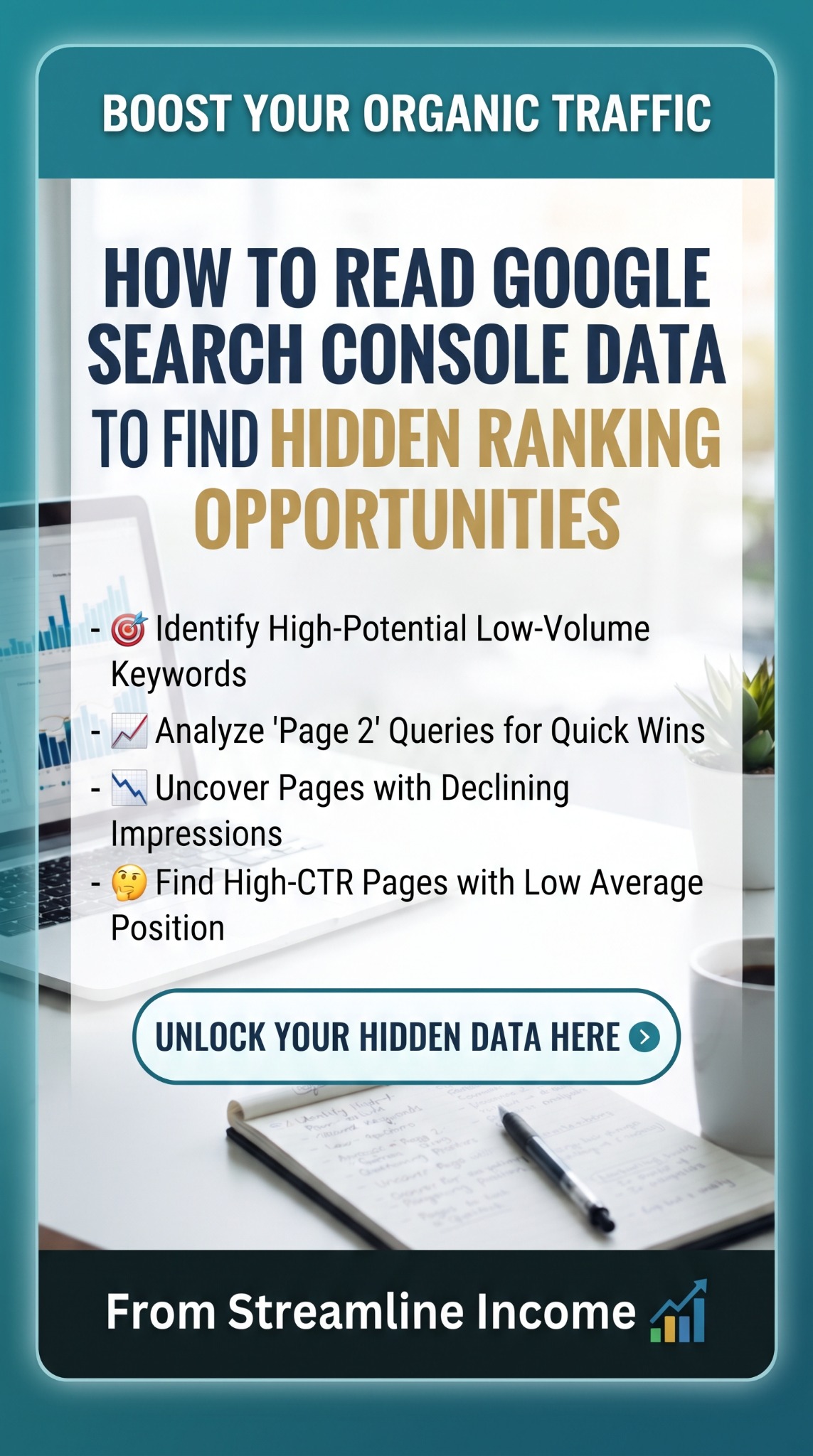
Our Pinterest pin highlights four possibilities: overlooked queries, “page two” rankings, declining impressions and strong click-through rates despite weaker positions. This guide turns those ideas into a practical review. The examples are invented teaching examples, not results from Streamline Income.
Understand the four numbers before changing anything
In the Search results performance report, start with clicks, impressions, average CTR and average position. Google’s report overview explains the measures:
- Clicks: clicks from Google Search to your site.
- Impressions: recorded appearances of your site in search results, subject to the result type’s counting rules.
- CTR: clicks divided by impressions, expressed as a percentage.
- Average position: the average topmost position for your property or the selected grouping.
For example, 20 clicks from 1,000 impressions gives a 2% CTR. That is arithmetic, not a judgement about whether the page performs well. Search intent, position, device and the results shown around your listing all affect the context.
A smaller position number is better: 4 is higher in the results than 14. An average is not a permanent ranking. Google’s position guidance explains why your own search may show a different result.
Set up a view you can compare fairly
- Select the correct website property and open its Search results performance report.
- Choose Web as the search type for this exercise.
- Begin with three months if your site has little traffic, or compare two complete 28-day periods for a more active site.
- Enable all four metrics and open the Queries or Pages tab.
- Check the active filters before interpreting the numbers.
Clicking a query or page row filters the report; remove that filter before investigating an unrelated item. Google documents the controls in its filtering and comparison guide. Avoid comparing a partial period with a complete one, and leave out the newest preliminary data when making a decision.
For a UK-focused article, examine UK traffic separately where useful. Compare mobile with mobile rather than treating a different device mix as proof that an edit worked.
1. Look for specific queries your page only partly answers
Open Queries and look for relevant phrases that describe a clear problem. A broad guide to digital products might appear for “how to deliver a PDF after payment”. If delivery receives only one vague sentence, you have a useful question to investigate.
The pin calls these high-potential, low-volume keywords. Search Console does not show total market search volume: a low impression count for your site might reflect limited visibility rather than low demand. Use “specific queries with limited observed impressions” as your working description.
Click a promising query, then open Pages to find which URL appears. Google’s common report tasks describes this query-to-page workflow. Read the page and ask whether the searcher’s question belongs there.
If it does, improve that section with a direct answer, an example or a checklist. If it represents a substantially different task, consider a separate guide linked from the original. Do not create a new article for every wording variation. Our guide to content depth and posting frequency explains why a coherent answer matters more than another page count milestone.
2. Investigate queries around positions 11–20
Sort the query table by average position, or export the displayed data and filter it in a spreadsheet. Queries around positions 11–20 can provide a manageable shortlist, especially when they repeatedly receive relevant impressions.
That range is a screening choice, not an official opportunity score. It does not mean your page is always on a literal second page of results. Position averages combine different impressions, and search layouts vary.
Take a hypothetical query with 600 impressions, six clicks and an average position of 14. First identify its ranking page. Then ask what a visitor would still need after reading it. Could you explain a missing step, replace an outdated example or add a genuinely useful comparison?
Add a natural internal link from an existing related guide where it helps the reader continue. Keep the original page focused. Repeating the query through every heading or adding unrelated paragraphs is not a useful improvement.
For example, a delivery question might connect naturally to our digital-product delivery guide. The reason for the link is that it answers the next question, not that more links automatically produce better rankings.
3. Find declining impressions without jumping to conclusions
Use the date comparison, open Pages and look for meaningful impression or click declines. Inspect the affected page’s queries before rewriting anything. A fall across one topic needs a different investigation from a sudden site-wide drop.
Google’s traffic-drop guidance covers possible causes including technical problems, ranking changes and changing demand. Where you have enough history, compare the same season as well as the previous period.
If impressions fall while positions remain broadly similar, changing demand or a different query mix may be involved. If both visibility and positions weaken, inspect content relevance and possible technical changes. These are starting hypotheses, not diagnoses.
For an abrupt disappearance, check whether the page still loads, whether its address changed and what URL Inspection reports about indexing. Repair an accidental access or indexing problem before commissioning a complete rewrite. For a gradual decline, check facts, broken links and whether the article still fulfils its headline.
4. Examine high CTR at weaker average positions
A query with comparatively strong CTR and an average position of 16 may look encouraging. Before treating it as a winner, check the sample: two clicks from ten impressions is 20%, but it is very little evidence.
Look for the pattern across a longer period, then narrow to a relevant country, device and page where the sample allows. A mixture of strong and weak individual positions can produce a misleading average. Brand searches can also behave differently from unfamiliar-reader searches.
The useful question is whether your answer appears well matched to the reader’s need. If it does, strengthen the page’s substance and its connections to related guides. Do not turn a small percentage spike into an earnings forecast.
Also check visible pages that receive few clicks
If a relevant page receives substantial impressions but few clicks, review how its promise matches the query. Compare similar queries and positions rather than applying one “good CTR” target to every article.
A vague title such as “My Email Tips” could become “What to Write in Your First Five Welcome Emails” if that accurately describes the content. Google’s title-link guidance supports descriptive, concise titles; Google can generate the displayed title from several sources.
Write a useful meta description too, while recognising that Google may use page text instead. Its snippet guidance explains this. Better wording should clarify the page, not exaggerate its benefits.
Turn your findings into three manageable actions
Keep a short review log: page, query, date range, active filters, baseline numbers, proposed change and review date. Prioritise a close match to your audience, repeated evidence and a fix you can explain clearly.
- First: repair a confirmed technical or factual problem.
- Second: improve one useful page with an identifiable missing answer.
- Third: test a clearer title or reader-focused internal link where justified.
Record the publication date and review comparable periods after several weeks, allowing longer when data is sparse. A later improvement does not prove your edit caused it: demand, competitors and search changes continue in the background. Avoid changing everything at once.
Fit this into our weekly content routine and 12-month roadmap. To connect visits with commercial activity, read our affiliate-click tracking guide; Search Console does not report your affiliate commissions.
You can start with the tools you already have. Our five essential tools guide keeps the setup simple. Save dated exports and backups; our external-drive recommendation is an optional storage consideration, not a requirement for this process.
Frequently asked questions
Why do query rows not add up to the chart total?
Google omits anonymised queries from the table, and data limits and aggregation can create differences. Query filters also affect totals. Google explains these limitations in its performance-data guide. Do not assume the difference is an error.
What if my website has very little data?
Use a longer period and concentrate on basic indexing, useful content and clear navigation. A few impressions can suggest questions to explore, but cannot establish a reliable trend.
Does a query appearing for two pages mean a problem?
Not automatically. Compare the purpose of each page and the reader’s intent before combining anything. Two useful pages can answer different aspects of a topic.
How often should I check Search Console?
A brief weekly check and a more considered monthly review is a practical starting routine. Investigate a known technical problem promptly, but avoid rewriting pages in response to every daily fluctuation.
Make one useful improvement this week
Choose one page, one reader question and one change you can justify. A small, documented improvement is easier to learn from than a rushed rewrite of your entire site.
If you are also exploring how to organise an online income project, our featured business resource is available below. Check its contents, price and terms for yourself. It is separate from Google Search Console and is not needed to follow this guide.
Explore the Featured Business Resource →Share this article
Know someone who would find this useful?