DIGITAL PRODUCTS · 5 MIN READ
Why PDF Guides and Templates Are the Ultimate Beginner Digital Product
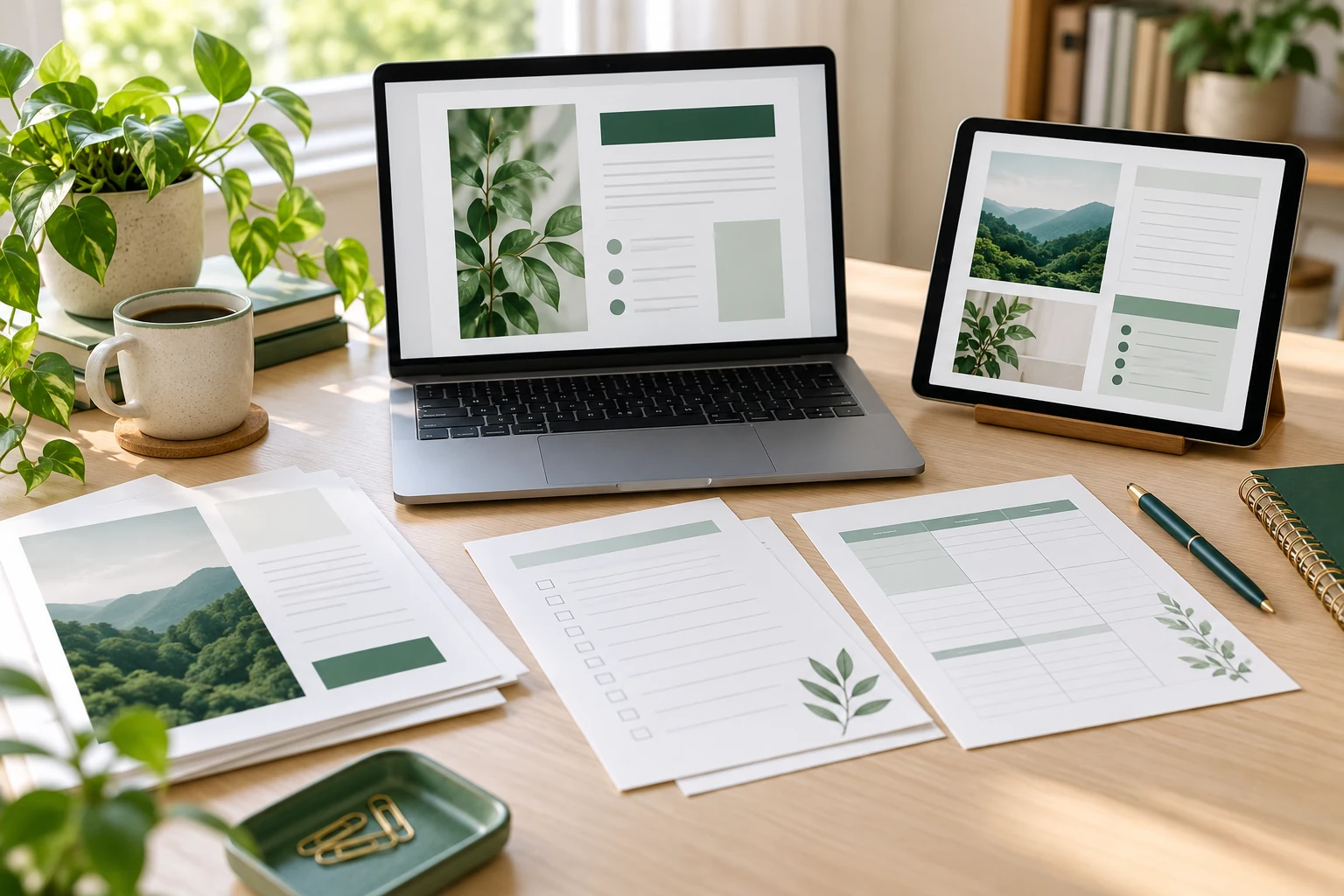
Your first digital product does not need a video studio, a membership platform or a complicated app. A useful guide or template can begin with knowledge you can explain clearly and a problem someone wants help solving.
That makes PDF guides and templates an appealing starting point. “Ultimate” is not a promise that they suit every topic or guarantee sales: some tasks need demonstrations, calculations or personal support. But a focused document can offer a manageable way to learn product creation, delivery and customer service.
1. They turn a specific problem into a tangible resource
A guide explains a process. A template gives the reader a starting structure. Together, they can bridge the gap between understanding what to do and actually doing it.
For example, a client-meeting guide could explain how to prepare, while a matching worksheet provides space for questions and notes. That is a product concept to research, not an established sales opportunity.
Keep the promise narrow enough to deliver well. Our article on micro-products versus comprehensive masterclasses explores why a focused resource can be easier to understand than a much larger offer.
2. You can start with familiar tools
If you already use a word processor or page-layout tool, you may have enough to create a first draft. A consistent heading style, readable type and useful examples matter more than elaborate decoration.
Keep an editable original and export a customer version. A standard PDF is useful for reading or printing, but do not describe it as editable or fillable unless you have deliberately supplied and tested those features.
If buyers need to change the wording or use formulas, a document or spreadsheet template may be more suitable. Explain the file formats and software requirements before purchase.
3. Validate the need before designing the cover
Start with recurring questions from the audience you understand. What do people struggle to organise, remember or complete? What are they using already, and where does that approach fall short?
The US Small Business Administration’s market-research guidance recommends looking at demand, competing options and the prices customers pay for alternatives. Apply those questions to a proposed download before spending days on design.
Speak to potential users, review comparable resources and identify a concrete improvement. A distinctive colour scheme alone may not justify another product; clearer instructions or a better fit for a particular task might.
4. Make the first version small but complete
A useful starter package could contain a short guide, one practical worksheet and a completed example. Its size should follow the task rather than an arbitrary page target.
- Explain the purpose: identify who it is for and the problem it addresses.
- Show the steps: put instructions in the order the user needs them.
- Demonstrate use: include a clearly labelled fictional example where helpful.
- State limits: explain exclusions and any knowledge or materials required.
- Check permissions: use your own content or material appropriately licensed for the product.
Ask a test reader to try the resource without your verbal explanation. Their questions can reveal gaps that are difficult to notice when you already understand the subject.
5. Test the actual customer files
Open the exported PDF on both a computer and a phone. Check that text is selectable, links work and headings are easy to follow. Avoid tiny text and pages that depend on colour alone to communicate meaning.
If it is printable, print a sample at the intended paper size. Check margins, writing space and whether dark backgrounds waste ink. Test any fillable fields in the readers you intend to support.
Give files descriptive names and include a short “start here” note if the package has several parts. Keep a version number or revision date so you can identify what a customer received.
6. Delivery can be simple, but support still matters
Digital products do not require packing physical parcels. However, you still need a dependable checkout, file delivery and a way for customers to report problems.
Etsy distinguishes instant downloads from made-to-order digital items. Its instant-download process uses ready-made files uploaded to the listing, while custom orders require later fulfilment. Choose the arrangement that matches what you actually offer.
Show accurate previews and state clearly that the purchase is digital. Avoid implying that automated delivery removes the need for updates, customer questions or maintenance.
7. Price for usefulness and sustainable delivery
A short document does not automatically deserve a low price, and a long one does not automatically deserve a high price. Compare similar offers and consider your production time, fees and ongoing support.
Our guide to pricing your first digital product provides a practical starting point. Track what remains after costs instead of judging success only by order count.
When one resource proves useful, you can develop related tools. Our article on building a digital asset library explains how to organise those additions without creating a confusing pile of downloads.
Start with one resource people can use
Choose a clear problem, build a complete solution and test it with real users. The opportunity lies in making the task easier, not simply turning information into a PDF.
For an optional business resource, review the featured product. Check its contents, price and terms against your needs.
Explore the details below and decide whether it fits your next step. No purchase is needed to start outlining your first guide or template.
Explore the Featured Product →Share this article
Know someone who would find this useful?