DIGITAL PRODUCTS · A PRACTICAL BEGINNER’S GUIDE
The Simple Guide to Delivering Digital Products Automatically
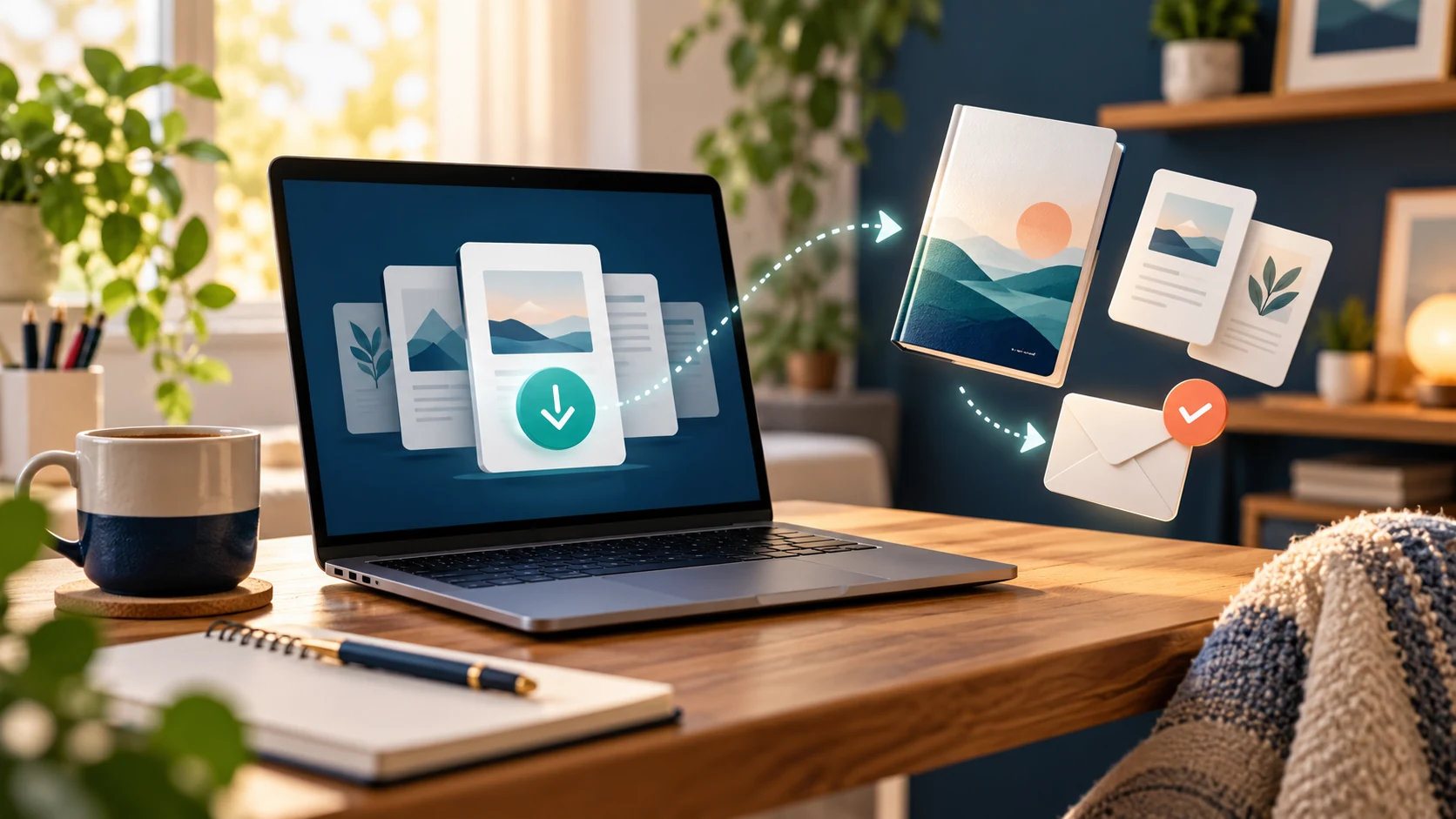
You have finished your first ebook, checklist or template. Someone buys it while you are at work, asleep or enjoying a quiet evening. How do they receive it without waiting for you to notice the order and send an email?
The simplest answer is to use a selling platform that connects checkout to digital delivery. You upload the finished product, set up its listing and test the process. After a successful purchase, the platform provides access to the files.
You do not need a complicated collection of apps to begin. This guide explains a straightforward setup, using Payhip as an example, alongside the checks that help prevent disappointed customers. Automatic delivery saves repetitive work; it does not remove the need for good products, promotion and occasional support.
What does automatic digital delivery actually mean?
It means the customer can receive the product without you manually attaching a file to every order. A typical journey is: choose a product, complete checkout, reach a download page and receive an email containing a way back to the purchase.
Payhip’s official explanation confirms that digital buyers receive a download page after purchase and an email receipt containing its link. The platform hosts the uploaded files, so your own computer does not need to stay switched on.
Think of it as a small, organised collection desk. You prepare the correct package beforehand, and the system makes it available when the customer has completed the required checkout steps.
1. Start with a product that is easy to receive
A short PDF guide is usually simpler to deliver than a bundle containing unfamiliar software, giant videos and dozens of folders. If you are still deciding what to create, read What Kind of Digital Products Can Beginners Actually Create?
Match the format to the promised result. A printable checklist can be a PDF. A budgeting tool may need an editable spreadsheet. A template may require particular software or an account with another service. Explain those requirements before someone buys.
Give files helpful names, such as Weekly-Content-Planner.pdf, rather than “final-new-version-7.pdf”. For bundles, include a short “Start Here” document explaining what each file does and which one to open first.
Open every exported file yourself. Check page order, links, spelling and whether editable fields work. A beautiful cover cannot rescue a missing worksheet.
2. Keep the first setup simple
Your starting system needs a product page, a suitable checkout and a way to deliver the purchase. Using one service for those tasks reduces the number of connections you must understand and maintain.
Payhip is one example, rather than the only possible choice. Before choosing any platform, check its current fees, supported payment methods, account requirements, file restrictions and customer-support options. Make sure it supports sellers in your location and the type of product you intend to sell.
You can keep your existing website as the place where people read useful articles, then link its purchase buttons to the product’s hosted checkout. That gives the website and delivery service clear jobs. Our guide to why simple systems beat complex funnels explores the same principle.
3. Upload the actual customer files
For a basic Payhip download, create a digital product and attach the files you want buyers to receive. Its digital-product setup guide explains the current process. Do not confuse the cover image with the product itself: the listing needs the deliverable files too.
Write down exactly what is included. For example: “One 18-page PDF guide and one printable two-page checklist. Digital download; no physical item will be posted.” Use your real page counts and formats.
If the product is a ZIP archive, explain how to extract it and check it on a second device. For a small beginner bundle, separate clearly named downloads may be easier for customers than an archive.
For externally hosted templates, test the customer-facing link while signed out of your account. Buyers should receive the access you promised without gaining editing access to your master copy.
4. Explain what happens after payment
Good delivery begins on the sales page. Tell people how they will access the product, which file formats they receive and where to ask for help. Keep the explanation short enough to notice.
“After successful checkout, you can download your files from the confirmation page. Your receipt email also contains your download link. Save the files somewhere you can find them again.”
Only use wording that matches your tested setup. For example, Payhip warns that a custom checkout redirect replaces the immediate download page, leaving customers to use their email link. Check this before redirecting buyers to a special thank-you page.
Clear expectations reduce confusion. For more help presenting the offer, see How to Write a Sales Page That Converts Without Using Aggressive Hype.
5. Test the whole journey before promoting it
Previewing a product listing is not the same as testing delivery. Follow the platform’s supported testing process and experience the checkout as a customer would.
Payhip’s testing guidance describes free testing options, including a fully discounted checkout, alongside a paid test. A free test can check file access and emails, but does not prove that real payment processing works.
- Open the product page in a private browser window.
- Use a separate email address you can access.
- Follow the checkout and inspect the confirmation page.
- Find the receipt email and test its download link.
- Download and open every file, including any ZIP archive.
- Repeat the download check on a phone.
Where appropriate, use the provider’s supported method to check a real payment too, allowing for applicable fees. Never assume that creating a product listing means your payment account is fully ready.
Ask someone unfamiliar with your product to try the instructions. If they need you to explain the first step, improve the “Start Here” document before inviting more buyers.
6. Back up the work behind your downloads
The file hosted on your selling platform should not be your only copy. Keep the editable original, the finished customer version and any images or instructions you would need to rebuild the package.
The Seagate Portable 2TB external hard drive in our Recommended Products section is relevant here as one possible place for a separate backup. Check the current listing’s capacity, connection and compatibility before buying. You do not need new equipment if your existing backup arrangement already does the job.
Copying matters: moving your only file onto a drive still leaves just one copy. Keep an additional backup elsewhere, and occasionally restore a file to check that your backups are usable. Our article Are External Drives Reliable for Long-Term File Storage? explains the wider routine.
7. Make support easy when something goes wrong
Even a well-tested system can produce questions. A customer may mistype their email address, overlook the receipt or struggle to find a download on their phone. Provide a contact route and a realistic response timeframe.
For missing receipts, start by checking whether the order completed and whether the email address is correct. Ask the customer to check their spam folder. Payhip’s missing-email guidance also explains how sellers can help with receipts.
Request only the details needed to locate the order, such as the purchase email and order reference. Never ask customers to send passwords or full payment-card details.
Keep a short troubleshooting note for common questions: opening PDFs, extracting ZIP files and finding downloaded files. Improve the product instructions whenever the same confusion appears repeatedly.
8. Maintain the system without turning it into another job
After changing a file, price, product link or delivery setting, repeat the relevant checks. Keep a simple version record so you know which package customers are receiving.
Payhip says customers can access replacement files through their original download link when you update a digital product file. That does not mean you should promise lifetime updates unless you intend to provide them. Explain your own update policy clearly.
Set aside a manageable session to review orders, support questions and backups. Our guide to updating and repurposing digital products can help you plan improvements.
If these sessions involve substantial desk time, the office chair featured in Recommended Products may also be worth comparing with your needs. It is an optional workspace purchase, not a requirement for automatic delivery. Start with a workable setup and spend only where there is a clear benefit.
Your simplest starting plan
Choose one useful product, prepare clearly named files, upload them to a suitable platform and explain delivery in plain English. Then test the checkout, email and downloads before sending visitors to the listing.
Once that works, create a backup and a short support note. You now have a repeatable process that can serve buyers while you are doing other things. Sales still depend on whether people want the product and can find it; automation simply makes fulfilment more manageable.
Frequently asked questions
Do I need my own website?
Not necessarily. A hosted product page can handle the first sale and delivery. Your own website can provide useful articles and direct readers to that page.
Does my laptop need to stay on?
No, when a hosted platform stores and delivers your uploaded files. Your computer is needed for creating and managing products, not for sending each download.
Can I deliver several files together?
Yes, where your chosen platform supports it. Use clear filenames and a short contents guide. Check current file limits before building a large bundle.
Can I stop buyers sharing my files?
No method guarantees that. Payhip offers download limits and PDF stamping, but protection should not make legitimate purchases difficult to use.
Is automatic delivery the same as passive income?
It automates one task. Creating, marketing, updating and supporting the product still take work. Aim for a reliable process rather than a business that never needs attention.
Build your next step with confidence
Explore our free starter guide for more practical ideas, or read our system review before deciding whether the featured offer suits you. No tool or course guarantees earnings.
Read the free Side Hustle Starter Guide · Read our system review
Ad · Explore the featured online-income offer