EMAIL MARKETING · 8 MIN READ · 27 OCTOBER 2026
The Beginner’s Guide to Writing Subject Lines That Get Opened (Without Clickbait)
A subject line is a small promise. Before someone reads your email, it tells them what kind of message is waiting and why it might deserve their attention. You do not need to sound mysterious, urgent or wildly successful to make that promise interesting.
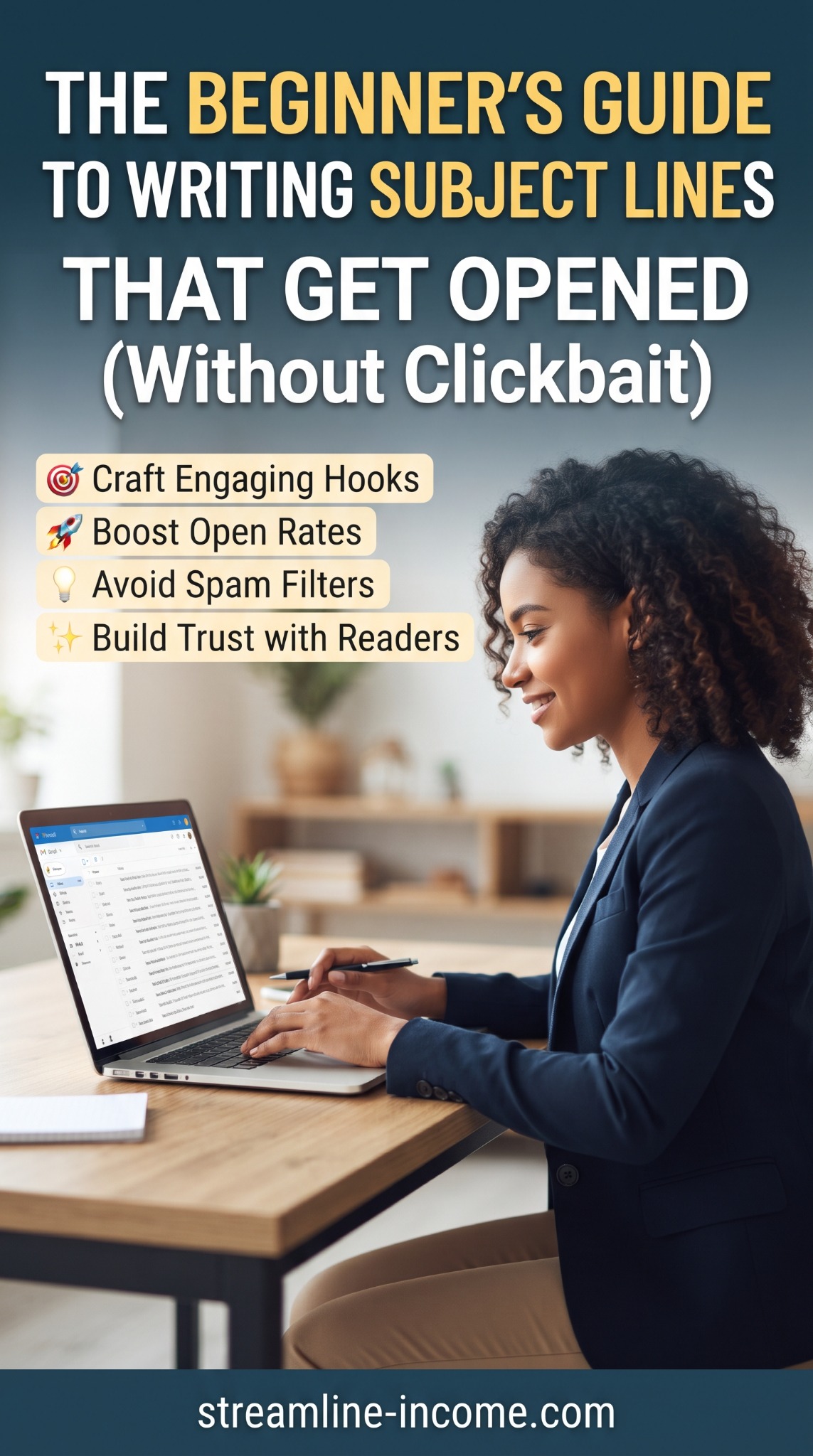
Our Pinterest pin highlights engaging hooks, opens, spam filters and reader trust. This guide turns those themes into a practical writing routine. The aim is to attract the right reader with an accurate description, then deliver what you promised. Opening the email is the beginning of that experience, not the final measure of success.
🎯 Start with the email, not the clever headline
Write the message first, or at least decide its central purpose. Is it delivering a worksheet, explaining one problem, introducing an article or announcing a genuine offer? A subject line becomes easier when you know exactly what the recipient will find.
Summarise that purpose in plain language: “This email helps someone plan three manageable tasks for next week.” From there, “Plan next week’s three priorities” is a natural subject line. It is specific without promising to transform somebody's business overnight.
Shopify's writing guidance also recommends creating the email before its subject line and preview text so the message stays consistent. If you are still planning your early messages, our first five welcome emails guide provides a useful starting point.
Use a hook that names a useful result
A hook is simply the reason a particular reader might care. It can be a question they already have, a task they want to complete or a resource that saves them effort. You do not have to conceal the topic to create curiosity.
Compare “You won’t believe this” with “What belongs in your first product description?” The second still leaves something to discover, but readers know what they are choosing to spend time on.
Before keeping a draft, ask: who is this for, what will they get, and does the email actually provide it? If the answer requires several explanations, make the wording more concrete.
Five honest subject-line patterns to try
- A clear resource: “Your one-page weekly content planner”. Use this when the planner is genuinely included or directly accessible.
- A practical question: “What should your first digital product include?” Answer that question in the message or clearly linked guide.
- A defined checklist: “Five checks before you publish your PDF”. Make sure the content contains five useful checks.
- A realistic task: “Choose one idea for your next free download”. Keep the email focused on that decision.
- A meaningful update: “The delivery guide now includes a test checklist”. Explain what changed and why it helps.
These are adaptable examples, not proven winning formulas. Choose the pattern that accurately describes your content. Our simple lead magnet ideas article can help you find a small, useful resource worth announcing.
✏️ Rewrite vague or exaggerated promises
You can make a subject line more interesting by adding useful detail rather than extra drama. The examples below assume the email really contains the information described.
| Weak or misleading draft | Clearer alternative |
|---|---|
| This changes EVERYTHING!!! | A simpler way to plan your next article |
| Guaranteed sales from your first email | Three ways to make your email offer clearer |
| You’re making a huge mistake | Check your download links before publishing |
| Re: your account | Your new planner is ready to download |
| Last chance—act now! | Planner launch price ends Friday at 6pm UK time |
Use the final example only when that deadline is real, accurately stated and honoured. If there is no deadline, remove the urgency. Do not add “Re:” or “Fwd:” to suggest an existing conversation that never happened, or disguise a promotion as an account warning.
The same principle applies to the page readers reach afterwards. Our sales-page guide explains how to make an offer useful without exaggerated pressure.
Keep the important words near the beginning
Inbox space varies by device, app, font size and layout. There is no single character count that guarantees your entire subject line will appear everywhere. Put the topic or main benefit early so a shortened display still makes sense.
“Weekly planner: choose your next three tasks” is easier to recognise at a glance than “I wanted to share something that might help you with planning”. Remove the throat-clearing, not the meaning.
Mailchimp recommends concise, descriptive subject lines and careful use of punctuation and emojis. Treat length guidance as a useful editing prompt, not a universal rule. A slightly longer accurate line is preferable to a short but confusing one.
If you use an emoji, make sure the words still carry the message without it. Test how it displays, and skip decorative symbols when they make the line harder to read.
Let preview text add the missing detail
Preview text is the short snippet many inboxes display alongside the subject. It can explain the scope of your promise without making the subject unwieldy.
Subject: “Five checks before you publish your PDF”
Preview: “A practical checklist for filenames, links and delivery.”
That pair is more informative than repeating the same words twice. Mailchimp's preview-text guide notes that email apps may otherwise pull in unhelpful opening text automatically. Set a deliberate preview where your platform allows it, and test the result.
Keep your sender name recognisable too. A clear subject from an unfamiliar or constantly changing sender can still leave people uncertain about who is contacting them.
Spam filtering involves more than your wording
The pin's “avoid spam filters” point needs an important qualification: no subject-line formula guarantees inbox placement. Sender authentication, reputation, complaints and sending practices also matter.
Gmail's sender guidelines include authentication requirements and additional requirements for high-volume senders. Follow your email provider's setup instructions and the receiving services' current requirements. A polished headline cannot compensate for a badly configured sending domain.
Use accurate subjects, send messages people expect and make opting out straightforward. Avoid shouting capitals, repeated punctuation and deceptive claims. Do not rely on a supposed magic list of forbidden words: a legitimate free resource can be described honestly as free.
Test one difference and keep the result in perspective
If your platform supports A/B testing and your audience is large enough for a useful comparison, test two honest versions of the same subject. For example, compare “Your weekly content planner” with “Plan next week’s three priorities”. Keep the email, sender, preview text and timing consistent, using comparable randomly assigned groups.
Mailchimp's A/B testing guidance describes testing a single variable. Changing the subject, content and send time together makes it harder to know what influenced the outcome.
For a tiny list, a difference of one or two responses is weak evidence. Record what you tried and look for patterns across comparable campaigns. Do not treat this week's apparent winner as a permanent rule for every audience.
Open reports have limitations too. Apple Mail Privacy Protection can distort reported opens, affecting open-based tests. Review relevant clicks, replies and intended outcomes alongside opens, using consistent bot-filtering settings where available. Our open rates versus click-through rates article explains the distinction.
A five-minute check before sending
- Read the subject and email together: does the message fulfil the promise?
- Remove exaggeration, invented urgency and unnecessary words.
- Check the sender name, preview text and any personalisation fallback.
- Send a test to yourself and inspect it on a phone.
- Test the main link and confirm that its destination matches the email.
Personalisation is optional. A wrong name or visible merge tag undermines trust more than a plain greeting. Use it only when the data and fallback are reliable.
Frequency matters as well as wording. Our newsletter frequency guide explores how to choose a sustainable rhythm. Better subjects are not a reason to send more messages than readers expected.
If you want to compare wider business learning options, review our featured ClickBank offer (affiliate link). Check its contents and terms first; no purchase is needed to use this writing routine.
Conclusion: earn the next open by keeping this promise
A useful subject line helps the right person recognise a worthwhile message. Be specific, make the benefit believable and let the content deliver. Consistency between what you promise and what readers receive is a better habit than chasing increasingly dramatic hooks.
Frequently asked questions
How long should my subject line be?
Keep it concise and put the main meaning first. Display space varies, so test on real devices rather than relying on one exact limit.
Are questions or numbers better?
Neither always wins. Use a question when the email answers it, and a number when it accurately describes the contents.
Can I use AI to draft subject lines?
Yes. Give it the actual message and ask for clear variations without invented claims. Check every suggestion for accuracy and your usual tone before using it.
Should I resend every email to non-openers?
No. Recorded non-opens do not reliably identify everyone who missed a message. Consider relevance, frequency and other engagement signals before deciding whether a follow-up is useful.
Explore the featured business resource
Review the offer's contents, current price and terms before deciding whether it suits your needs.
View offer and purchase optionsAffiliate link: we may earn a commission if you purchase. Results are not guaranteed.
Share this article
Know someone who would find this useful?