EMAIL MARKETING · 8 MIN READ · 27 OCTOBER 2026
How to Clean Your Email List and Why Inactive Subscribers Hurt Your Business
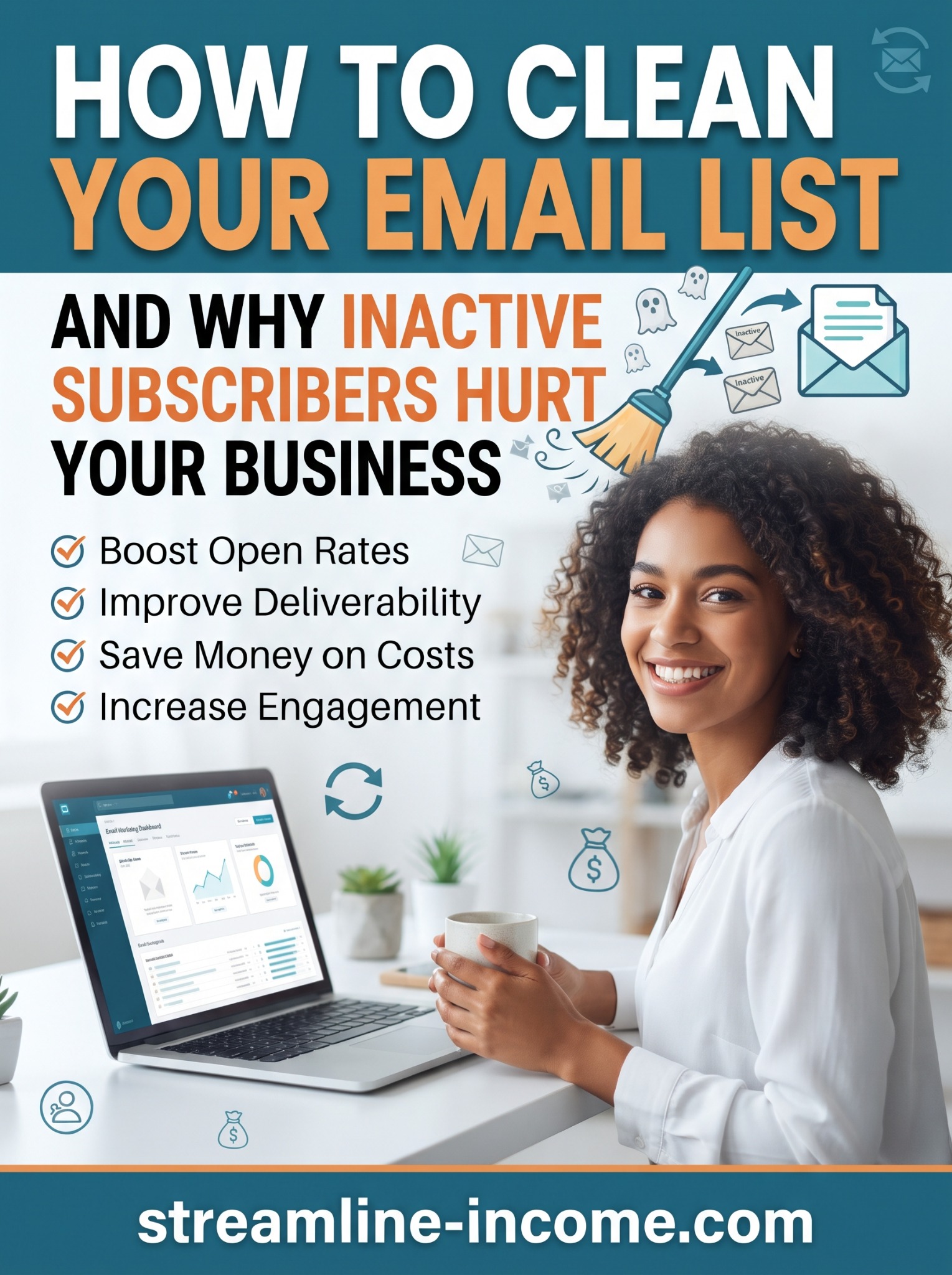
A large email list can feel like progress, but the number of stored addresses tells you little about how many people want your next message. Invalid addresses, forgotten sign-ups and poorly managed preferences can make reports harder to interpret and create avoidable work.
Our Pinterest pin highlights better engagement, deliverability and cost control. Those are sensible aims, but quiet subscribers are not automatically a problem. Some read without clicking, buy occasionally or have privacy settings that obscure their activity. Cleaning your list means reviewing evidence and permissions carefully, not deleting everyone who missed a few emails.
🧹 What does cleaning an email list mean?
List cleaning is the routine maintenance of contact records and sending eligibility. It includes respecting opt-outs, handling invalid addresses, checking duplicates and reviewing subscribers whose interests may have changed.
It is not the same as permanently erasing every inactive record. Platforms use different labels and rules for suppression, archiving and deletion. Read the relevant help page before making a bulk change, particularly if your contact records also support orders or customer service.
This guide explains the process for readers who run email campaigns. Streamline Income's free starter guide remains available without an email sign-up.
Why neglected contacts can become a business problem
Repeatedly sending to invalid addresses wastes effort. Sending unwanted messages can lead to complaints, while an outdated audience makes it harder to understand what current readers need. Depending on your provider's pricing, keeping unnecessary billable contacts may also increase costs.
There is an important distinction between a quiet reader and a problematic record. A subscriber who buys once a year may still value your work. An address that cannot receive mail or a person who has withdrawn permission requires a different response.
Removing inactive recipients can also raise percentages through arithmetic alone. If 20 people click from 1,000 delivered messages, CTR is 2%. If the same 20 click from 500 delivered messages, it is 4%. You have not doubled the number of interested people. These fictional figures show why counts and outcomes matter alongside rates.
Our open rates versus click-through rates guide explains why neither number should be treated as a complete picture.
Separate the records before choosing an action
| Contact situation | Sensible first action |
|---|---|
| Unsubscribed or complained | Keep excluded from marketing and preserve the relevant suppression record. |
| Hard-bounced address | Check the provider's status and keep its delivery block in place. |
| Temporary delivery failure | Review the reason and follow the provider's retry rules. |
| Quiet but still subscribed | Review activity, sending history and the customer relationship. |
| Old address with unclear permission | Exclude from campaigns while investigating the original sign-up. |
A hard bounce generally signals a permanent delivery problem; a soft bounce describes a temporary failure. Avoid inventing a universal retry count. For example, Mailchimp calls addresses “cleaned” after hard bounces or repeated soft bounces and prevents further sends to them. Other services may handle these statuses differently.
Do not re-import a blocked address to bypass the system. If you suspect a typo, obtain a confirmed correction from the person rather than guessing a replacement address that could belong to somebody else.
Define inactivity around your actual sending pattern
A person who has received two quarterly updates has had fewer opportunities to respond than someone receiving weekly messages. There is no universal number of days after which a subscriber becomes worthless.
Mailchimp's inactivity guidance notes that the period depends on sending frequency and the product or service. Choose a review window that fits your business and document why you chose it.
For illustration, a weekly newsletter might review contacts who joined more than six months ago, received several recent campaigns and show no reliable clicks, replies or relevant purchase activity over that period. That is a possible review segment, not an automatic deletion rule.
Exclude new sign-ups who have not had a fair chance to receive your messages. Look separately at seasonal customers, recent purchasers and people who have contacted you directly. If your emails contain complete tips without links, a lack of clicks tells you much less.
🔎 Check more than the open column
Privacy features can load tracking images without a person reading, while blocked images can conceal genuine opens. Link scanners can create clicks too. Use the most reliable signals available, with consistent filtering, rather than pretending any report perfectly measures attention.
Look at replies, relevant purchases, preference updates and genuine website actions where you already have appropriate records. Do not build intrusive tracking just to classify someone as active. Often a modest review of existing information is enough.
If an entire segment suddenly looks inactive, investigate delivery or tracking changes before blaming the audience. A broken link, a changed sending address or a reporting setting can create a misleading pattern.
Offer a respectful check-in where permission allows
For still-subscribed contacts you are entitled to email, a brief re-engagement message can help clarify interest. Keep it useful and recognisable. Explain what you normally send, offer a preference choice if available, and make leaving easy.
A simple example is: “Would you still like our practical weekly guides? You can keep receiving them, choose a quieter schedule or unsubscribe below. If we do not hear from you by the stated date, we will pause these newsletters.” Only promise options your system actually supports.
Avoid “We know you never read our emails”, which overstates your evidence. Do not threaten deletion of an account or access to purchased products when you only mean stopping newsletters. Our honest subject-line guide can help you write a clear check-in.
Where practical, use a preference form with an explicit confirmation action rather than relying solely on a tracked click that a security scanner might generate. Set a review date and follow through instead of sending endless reminders.
Respect opt-outs and preserve suppression information
Do not send a re-engagement campaign to unsubscribed contacts or people who objected to marketing. The UK ICO's guidance says you cannot later contact someone who objected simply to ask whether they have changed their mind.
The ICO also recommends retaining minimal suppression information so an old import does not accidentally put someone back into marketing. Keep that information clearly marked and use it to respect the preference, not to promote products.
Unclear historic permission is not something a verification service can fix. Establish the basis for sending before contacting that group. Treat a request to erase personal information as a separate privacy request; routine archiving does not resolve it automatically.
Archive, suppress or delete deliberately
Use the platform action that matches the purpose. Suppression prevents marketing sends. Archiving may move contacts out of the active audience while retaining history. Permanent deletion can remove information you cannot recover. Exact behaviour varies by service.
Mailchimp's archiving guidance explains that archived contacts no longer count towards its current contact total, but archiving does not undo a peak total already recorded for the billing period. Check your own plan before assuming an immediate saving.
Review the segment count and a sample of records before applying a bulk action. Keep a brief change log recording your criteria, date and action. Avoid unnecessary exports containing personal data; protect any operational copy you genuinely need and apply a retention limit.
Keep necessary order and support records separate from marketing eligibility. A customer can stop receiving promotions while still needing a receipt or help with a purchase.
Make maintenance a small recurring habit
After campaigns, review complaints and delivery failures. Periodically inspect your inactive segment, form permissions and any imports or integrations that might restore excluded contacts. Test the unsubscribe and preference journeys yourself.
Reduce the need for future cleaning by setting clear expectations when people subscribe and delivering content that matches them. Our newsletter frequency guide and welcome email guide can help you establish that rhythm.
If you are considering wider business learning, review our featured ClickBank offer (affiliate link) against your needs and budget. Buying a resource is not required to maintain your list.
Conclusion: a useful audience matters more than a large total
Good list maintenance protects preferences and keeps your records meaningful. Fix invalid records, review uncertain inactivity carefully and stop unwanted sends. Judge the result through reliable engagement, outcomes and actual costs—not simply a prettier open-rate percentage.
Frequently asked questions
Should I remove everyone who has not opened recently?
No. Open data is imperfect. Consider sending frequency, other activity and the relationship before deciding whether to pause marketing.
Will cleaning guarantee better deliverability?
No. List quality is one part of responsible sending. Authentication, reputation, content and recipient expectations also matter.
Do I need a paid email-verification service?
Not necessarily. Start with your provider's reports and automatic bounce handling. Verification cannot prove consent or genuine interest.
Can archived subscribers be added back later?
Some platforms allow this, but technical ability is not permission. Check their current preference and your basis for sending; never override an opt-out with an old backup.
Explore the featured business resource
Check the offer's contents, current price and terms before deciding whether it suits your next step.
View offer and purchase optionsAffiliate link: we may earn a commission if you purchase. Results are not guaranteed.
Share this article
Know someone who would find this useful?