EMAIL MARKETING · 8 MIN READ · 27 OCTOBER 2026
Why Open Rates Matter Less Than Click-Through Rates in Email Marketing
A high email open rate can feel encouraging. You chose a subject line, pressed send and the dashboard suggests that people noticed. But if the purpose was to help readers visit a guide, download a resource or consider a product, an apparent open does not tell you whether any of that happened.
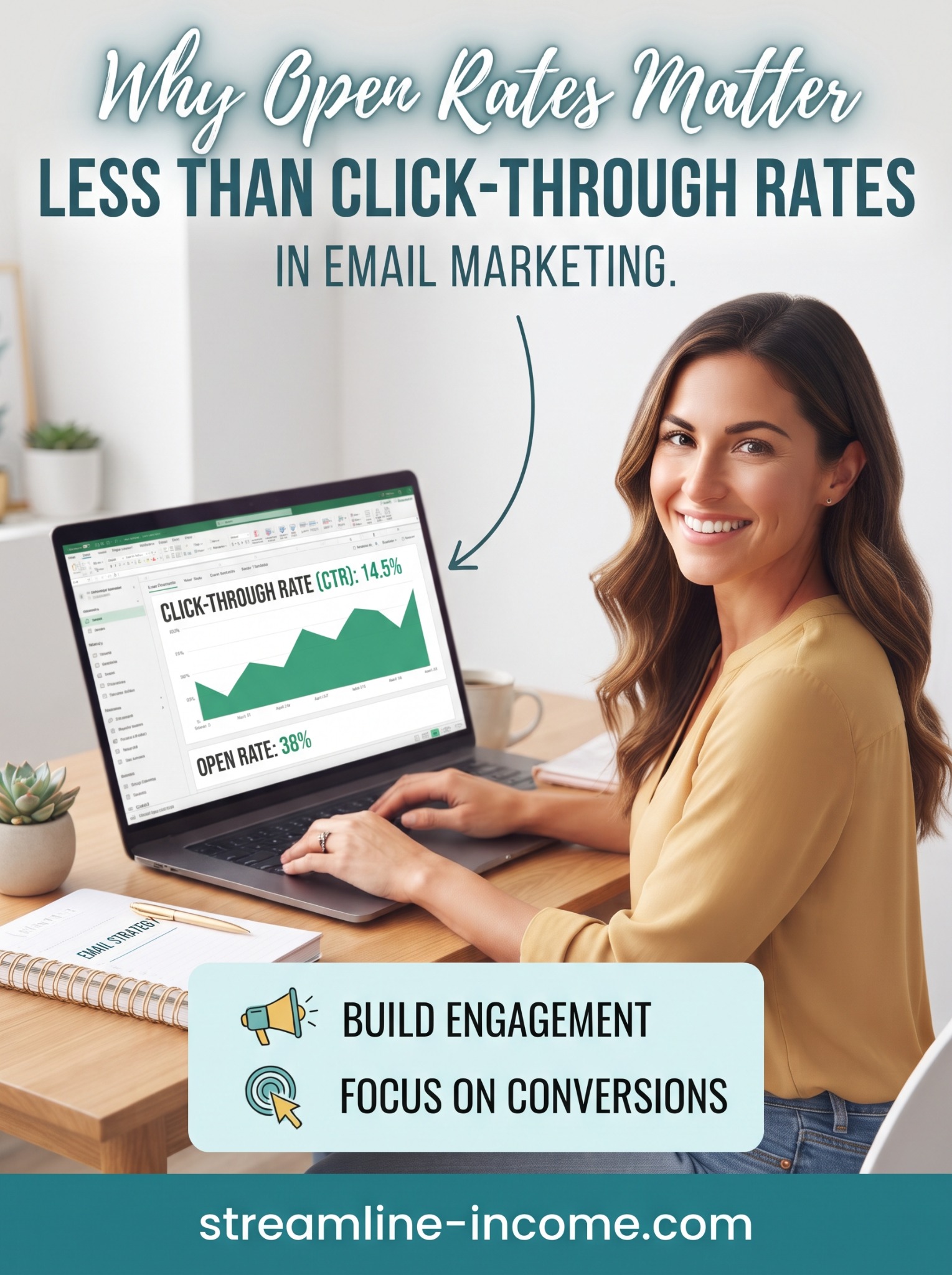
Our Pinterest pin highlights two useful priorities: build engagement and focus on conversions. Click-through rates often move you closer to those goals than opens do. The important qualification is that clicks are not perfect either. Understanding what each number measures is more useful than choosing one impressive percentage.
📬 What an open rate actually measures
Email platforms commonly detect opens using a small remote image, often called a tracking pixel. When that image loads, the platform can record an open. This is a technical signal, not proof that someone read your message carefully.
As Mailchimp's explanation of open and click rates notes, blocked images can prevent a genuine read from registering. Some platforms also infer an open when a tracked link is clicked. Check your provider's definitions before comparing reports.
Privacy features complicate the picture further. Apple explains that Protect Mail Activity downloads remote content in the background regardless of whether someone engages with the message. A tracking image can therefore load without the person opening the email.
That does not mean every recorded open is false. It means the number is an imperfect estimate, influenced by the email software and settings your subscribers use.
Why a relevant click usually tells you more
For an email designed to send readers somewhere, a genuine click indicates that someone chose to take the next step. It can help you distinguish interest in a subject line from interest in the actual article, resource or offer.
Suppose your message introduces a printable weekly planner. An open tells you little about whether the planner sounded useful. A click on “Download the weekly planner” is a more direct signal of interest in that specific resource.
Our simple lead magnet ideas article gives examples of resources with clear next steps. The clearer the purpose of a link, the easier it is to interpret a click without guessing what the reader wanted.
However, a click is still not proof of a completed download, a purchase or satisfaction. Each is a different stage that needs its own evidence.
Know the difference between CTR and click-to-open rate
For this article, email click-through rate means unique recipients with at least one tracked click divided by successfully delivered emails. Platforms may use different labels or denominators, so confirm which measure your report uses.
| Measure | Calculation used here | Main limitation |
|---|---|---|
| Open rate | Unique recorded openers ÷ delivered emails × 100 | Privacy features and image blocking affect detection |
| Click-through rate (CTR) | Unique recorded clickers ÷ delivered emails × 100 | Automated clicks can inflate the result |
| Click-to-open rate (CTOR) | Unique recorded clickers ÷ unique recorded openers × 100 | Unreliable opens affect the denominator |
Imagine 1,000 delivered emails, 400 recorded openers and 30 unique clickers. The open rate is 40%, CTR is 3% and CTOR is 7.5%. These are fictional teaching figures, not recommended benchmarks.
If automated image loading increased recorded openers to 600 while clickers remained at 30, CTR would still be 3%, but CTOR would fall to 5%. The apparent decline would not mean fewer people clicked. This is why an open-based ratio is not automatically a better measure of email quality.
🔎 Clicks can also contain automated activity
Email security systems may inspect links before delivering a message. Link-preview tools and other automated services can also interact with an email. These actions may appear in reports even though no person chose to visit your page.
Mailchimp's bot-filtering guidance explains that automated activity can inflate both opens and clicks. Use your platform's filtering where available and compare reports with consistent settings. Turning a filter on can lower reported engagement without changing what your readers actually did.
Look into unusual patterns, such as many links receiving activity immediately after delivery. Those patterns are clues rather than proof. Do not manually label every quick click as a bot or assume a filtered report is perfectly accurate.
Unique clickers are generally more useful than raw total clicks when asking how many recipients responded. One subscriber clicking five times should not be interpreted as five interested people.
Follow the click to the intended outcome
Start each campaign by naming its purpose. If you want readers to download a checklist, measure completed downloads where possible. If you want replies, count relevant replies. If you want sales, examine confirmed purchases rather than treating clicks as revenue.
A hypothetical email might produce 30 unique clickers but only two purchases. Another could produce 20 clickers and four purchases. With comparable tracking, that second email generated more orders despite fewer clicks. Small samples still make it unsafe to declare a universal winner.
Use our affiliate click-tracking guide to distinguish website activity, network reports and credited sales. Different systems can legitimately disagree. Attribution windows, privacy settings and later visits can leave gaps.
For a small list, record the actual counts alongside percentages. One additional click among 100 delivered emails changes CTR by one percentage point. Our guide to a 100-subscriber email list keeps those small numbers in perspective.
Improve the next step before chasing a higher percentage
A higher CTR is useful only when the extra clicks serve the reader and the campaign's purpose. Misleading curiosity can attract clicks while disappointing the people who arrive.
- Match the promise. The subject line, email and destination should describe the same useful result.
- Choose a clear main action. Make the next step easy to understand without filling the message with competing offers.
- Use descriptive links. “Read the five-step guide” tells people more than an unexplained “Click here”.
- Check the destination. Test the link, mobile layout and any download or checkout process.
- Explain the benefit honestly. Say what the reader will find without inventing urgency or guaranteed results.
You do not need elaborate email design to do this. Our plain-text versus designed email guide explores how presentation can support a clear message. A visually impressive email with a vague offer still leaves readers guessing.
If you are comparing broader business learning options, you can review our featured ClickBank offer (affiliate link). Check its contents, price and terms; it is optional and not required to apply these principles.
Keep opens in context rather than ignoring them
Open trends may still prompt useful questions when the audience, reporting settings and email-client mix are reasonably comparable. A sudden change deserves investigation alongside delivery failures, complaints and other signals. It is not a diagnosis on its own.
Be cautious about declaring subject-line test winners solely from opens. Mailchimp's Apple privacy FAQ describes how privacy-related opens can affect tests and open-triggered automation. Do not assume everyone recorded as a non-opener is uninterested.
Some emails are valuable without a click: a complete tip, an important notice or a thoughtful reply prompt. Judge them against their purpose. Do not force an unnecessary website visit simply to improve your dashboard.
📊 Use a short, consistent review routine
After each campaign, record its goal, delivered count, filtered unique clickers, main-link activity, intended outcomes and negative signals such as unsubscribes or complaints. Use the same reporting window, and compare similar campaigns rather than a welcome email with a seasonal promotion.
Choose one sensible improvement for the next send. Test it across enough comparable messages to see whether the pattern persists. For a small audience, uncertainty is normal; better records are more helpful than confident conclusions from a handful of clicks.
Conclusion: measure progress towards the reader's next step
Open rates can suggest attention, while relevant clicks often provide stronger evidence of action. Neither is the final result. Connect your reporting to useful visits, completed tasks, replies or purchases, and keep the reader's experience at the centre of your decisions.
Frequently asked questions
What is a good email click-through rate?
There is no universal target. Audience, campaign purpose, reporting definitions and filtering all affect the figure. Start with your own comparable campaigns and their outcomes.
Should I stop looking at open rates?
No. Use them as supporting context with clear limitations, rather than the main proof that a campaign worked.
Why can clicks rise without more sales?
Possible explanations include automated activity, curiosity without buying intent, an unsuitable offer or a difficult checkout. Investigate the steps rather than assuming one cause.
Does Streamline Income require an email sign-up?
No. Our free starter guide remains available without an email sign-up. This article explains reporting for readers who choose to run email campaigns.
Explore the featured business resource
Review the offer's contents, current price and terms before deciding whether it fits your needs.
View offer and purchase optionsAffiliate link: we may earn a commission if you purchase. Results are not guaranteed.
Share this article
Know someone who would find this useful?