DIGITAL PRODUCTS · 8 MIN READ · 27 OCTOBER 2026
Simple Lead Magnet Ideas You Can Create in a Single Afternoon
You do not need a thirty-page ebook to introduce people to your work. A clear checklist, a reusable template or a short guide can be more useful than a large download that nobody finishes. The aim is to help the right person make a little progress and show them the quality of your approach.
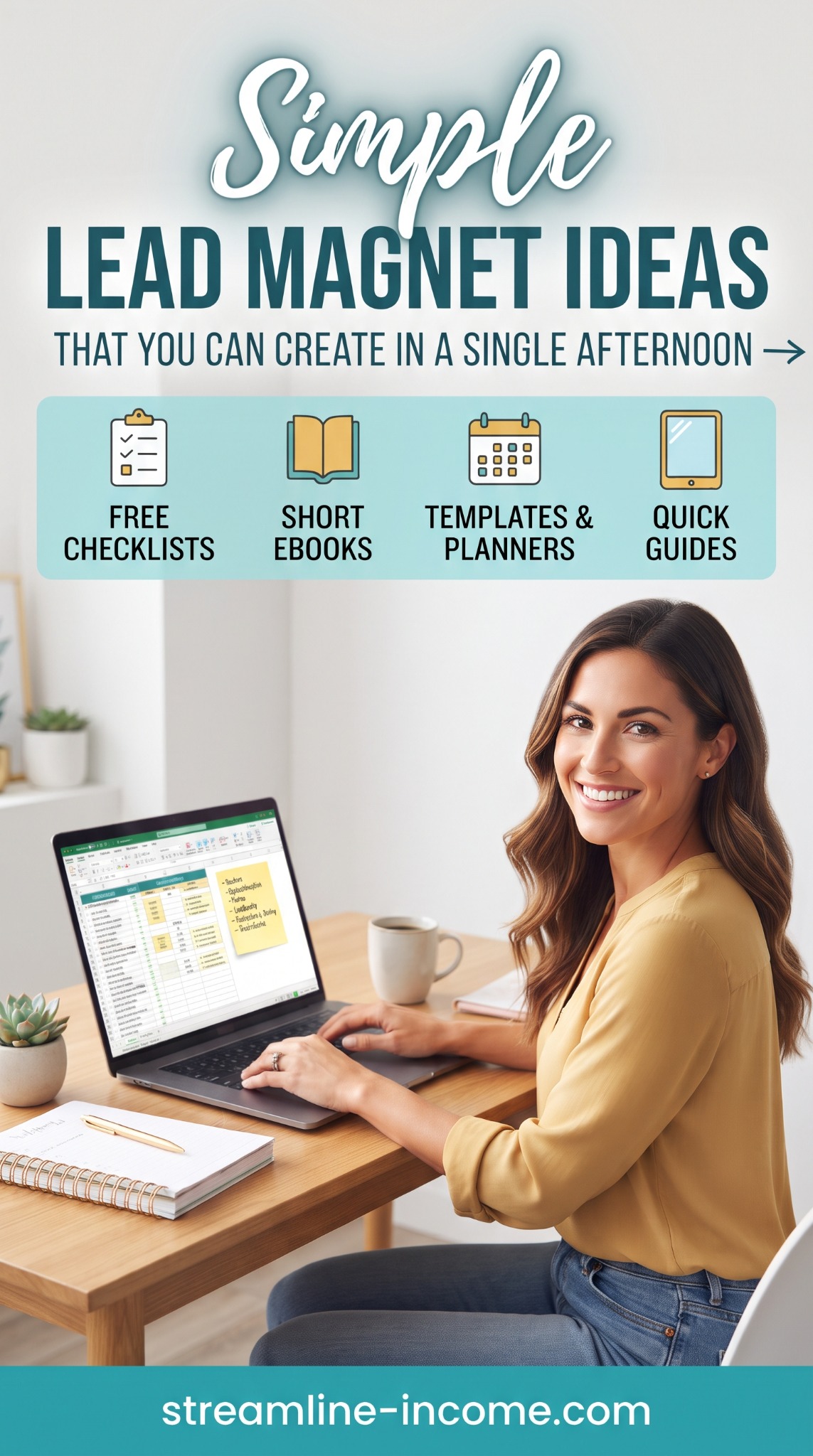
Our Pinterest pin highlights four formats you can keep deliberately small: free checklists, short ebooks, templates and planners, and quick guides. This article turns those ideas into realistic afternoon projects, with examples and a simple timetable. The time estimates assume you know the subject and already have the basic tools; research and testing may take longer.
What is a lead magnet—and do you need an email list?
A lead magnet is a useful free resource offered to attract potential customers, often in exchange for contact details. Its job is to start a relevant relationship, rather than attract the largest possible number of downloads.
You can also offer the same resource as an ungated free download. Technically, that is a free resource rather than an email-capture lead magnet, but it can still introduce your work and help interested readers discover a paid product. You do not have to build a newsletter to make something helpful.
Our free side-hustle starter guide uses that accessible approach. For the wider strategy, read how free giveaways can build goodwill and support marketplace sales. Here, we will concentrate on choosing and finishing the resource itself.
Choose one reader and one small result
Before opening a design tool, finish this sentence: “This helps a beginner who struggles with ___ to complete ___.” Specificity keeps the project manageable.
“Help online entrepreneurs succeed” is too broad. “Help a first-time PDF seller check the download before publishing” gives you a clear boundary. You can write the steps, test them and explain what the finished result looks like.
Choose a topic you understand. An afternoon is enough to organise existing knowledge, but it is not a reliable deadline for learning an unfamiliar subject and producing trustworthy advice. Our guide to packaging your knowledge explains how to turn experience into a structured resource.
✅ Idea 1: a one-page checklist
Example: “Before You Publish Your First Digital Download: 12 Checks.” Group the checks into content, file delivery and product information. Include concrete actions such as opening the exported file on a phone, checking every link and confirming the advertised contents match the download.
A useful checklist helps someone avoid a missed step. Replace vague items such as “make it professional” with something observable: “Check that the title and filename describe the same product.” Add a brief note explaining when to use it.
Afternoon scope: one page, around ten to twelve checks and a short introduction. Aim for 45–60 minutes if you already know the process, leaving time for layout and testing. A checklist does not need decorative pages to feel valuable.
📖 Idea 2: a very short ebook
Example: “Your First Product Description: Five Questions to Answer.” Use one page for each question: who it helps, what problem it addresses, what is included, how it works and what the buyer needs.
Give a short explanation and an original example for each question. Finish with a blank planning page. That produces a compact workbook-style ebook rather than a collection of general motivational tips.
Afternoon scope: four to six useful pages, built from knowledge you already have. Allow roughly 90 minutes for the first draft and design, plus testing. If the outline keeps expanding, narrow the promise. Our PDF guides and templates article explores why these simple formats can suit beginners.
📝 Idea 3: a reusable template
Example: “A Simple Product Description Template.” Provide labelled prompts for the headline, intended buyer, contents, practical requirements and next step. Include one completed fictional example so readers understand how much detail to add.
A template saves decisions as well as typing. Explain what each placeholder means, and avoid claims the user cannot substantiate. A prompt such as “Describe the specific task this helps with” is safer and more useful than a fixed promise of guaranteed results.
Afternoon scope: a blank version, a completed example and brief instructions. Test that recipients can obtain their own editable copy without access to your private working documents. Check permissions while signed out, and keep the master protected from public editing.
📅 Idea 4: a realistic weekly planner
Example: “The Three-Priority Side-Hustle Week.” Give readers space for three outcomes, the next action for each, available work sessions and one task they will deliberately postpone.
Make the planner fit a normal week with other commitments. A timetable demanding four hours every evening can discourage the very beginners you want to help. Include an example showing how someone might use three short sessions around their job.
Afternoon scope: one printable page and one completed example. If you choose a spreadsheet, keep it simple and test any formulas. Our weekly content routine guide provides a useful companion article for readers planning their publishing work.
🧭 Idea 5: a quick-start guide
Example: “Test Your Digital Download Before Your First Customer.” Show a short sequence: open the delivery page, obtain the file through the intended route, check the contents, follow the instructions and record anything confusing.
Unlike a checklist, a quick guide explains how to perform the task. Include a starting point, the steps and a definition of finished. If instructions depend on a changing platform, verify them and note when you checked them.
Afternoon scope: two or three pages with one worked example. Avoid unnecessary screenshots; each should clarify a step. Our digital-product delivery guide can help you think through the reader's experience.
Use a three-hour creation plan
Pick one idea, not all five. This suggested schedule gives testing as much importance as appearance:
| Time | Task | Finish with |
|---|---|---|
| 0–20 minutes | Choose the reader and result | A one-sentence promise |
| 20–75 minutes | Draft the useful content | Complete steps and an example |
| 75–115 minutes | Format and export | A readable file with a clear name |
| 115–155 minutes | Test the resource and access | Working links and corrected instructions |
| 155–180 minutes | Write the download-page description | An honest explanation and optional next step |
This is a planning aid, not a production guarantee. If testing reveals problems, finish the repairs before publishing. Cut extra decoration before cutting essential checks.
Make delivery simple and permission clear
A direct website download can work without collecting personal details. Explain the file format and any software needed before the reader clicks. Test the download from a fresh browser session and check it on a phone.
If you prefer a storefront, Payhip's free-product guide explains zero-priced digital products. Customers provide an email address but no payment details; sellers still need a connected payment processor.
An address used for delivery is not automatically permission for ongoing marketing. If you offer a newsletter, use a separate, clear choice and explain what you will send. The ICO's consent guidance covers positive opt-in, consent records and unsubscribe options. Do not use pre-ticked boxes or assume a free download meets an exception.
Connect the resource to one sensible next step
Add a short closing note pointing to a relevant article or paid product. A free weekly planner could lead to a fuller planning bundle; a product-description worksheet could lead to a detailed listing workbook. Explain what the extra resource adds without making the free version incomplete.
You can create these resources with tools you already own. Our recommended-products page is there if you need home-working equipment, but buying equipment is not part of this afternoon's brief.
If you are comparing wider learning options, you can view our featured ClickBank offer (affiliate link). Review its contents and terms first; it is optional and not needed to complete this project.
Conclusion: finish something small enough to use
Your first free resource should demonstrate care, clarity and usefulness. Choose one task, create a complete answer and test the experience. A modest download that works is a stronger introduction than an ambitious ebook that remains unfinished.
Frequently asked questions
Which format is easiest to start with?
A checklist is often the simplest if you already know a repeatable process. Choose a template instead when the main difficulty is deciding what to write.
Does it need professional design?
No. Clear headings, readable type, good spacing and a usable example matter more than elaborate decoration. Use only images and fonts you have permission to distribute.
Can I reuse material from my own articles?
Yes. Adapt it into a practical tool rather than pasting the whole article into a PDF. Check that the content is current and that you own or can reuse its components.
How will I know whether it works?
Look for useful feedback, downloads where measurable and relevant onward clicks. Subscriber totals or downloads alone do not prove that the resource produces sales.
Explore the featured business resource
Compare the offer's contents, current price and terms with what you actually need before purchasing.
View offer and purchase optionsAffiliate link: we may earn a commission if you purchase. Earnings are not guaranteed.
Share this article
Know someone who would find this useful?